
Workflow automation
Published July 6, 2026
How can you keep track of your employees? The key is to bring information about your people, tasks, documents, approvals, and company assets together in one system. Discover the most common reasons businesses lose visibility into their workforce, which HR processes are worth digitizing, and what features a modern HR system should offer.
Author Tabidoo
4 minutes to read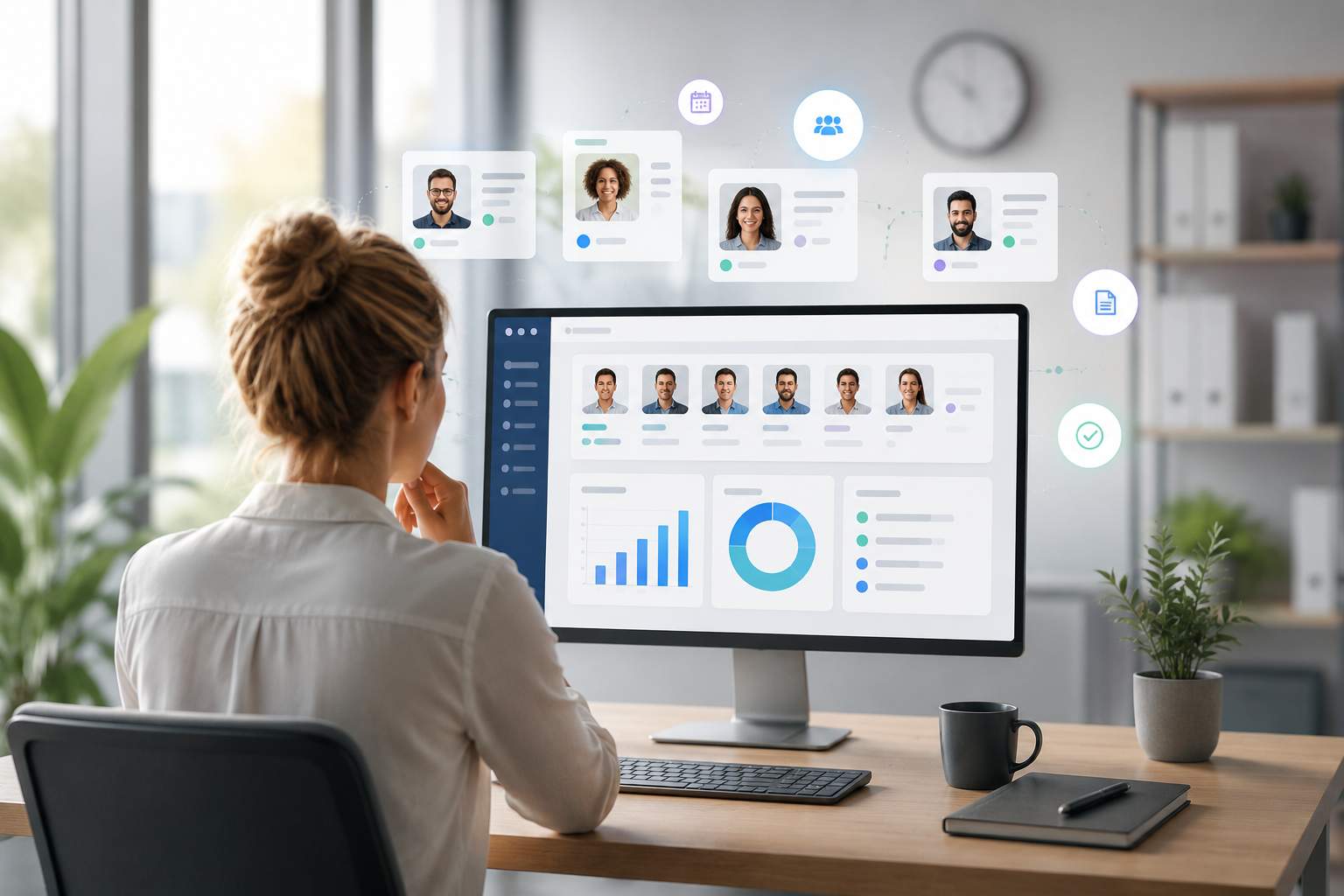
Having visibility into your employees is about much more than keeping a list of names or employment contracts. It means having instant access to information such as:
If you have to search for this information across multiple spreadsheets or constantly ask employees for updates, your company is probably lacking a clear overview of its workforce.
As a business grows, so do the number of employees, processes, and administrative tasks. What works well for a team of five often becomes unmanageable with twenty or fifty people.
The most common reasons include:
The result is more administration, weaker collaboration between departments, and a higher risk of errors.
Personal details, employment contracts, training records, and company assets are scattered across different spreadsheets and documents.
Managers only gain visibility during meetings or by repeatedly asking employees for updates.
Approval history gets lost, and no one has an up-to-date overview of team availability.
Each new employee receives different information, and important onboarding steps are regularly overlooked.
Laptops, mobile phones, and access cards are not linked to individual employees in a centralized system.
Employment contracts, amendments, and performance reviews are stored across multiple folders and storage locations.
The same onboarding and offboarding tasks are created manually every time an employee joins or leaves the company.
When management needs an overview of employees, someone has to collect, combine, and organize the data manually.
A modern HR system or workflow platform should provide:
| Business Need | Excel | HR Software | Workflow Platform (Tabidoo) |
|---|---|---|---|
| Employee records | ⚠️ | ✅ | ✅ |
| Onboarding | ❌ | ✅ | ✅ |
| Approval workflows | ❌ | Limited | ✅ |
| Asset management | ⚠️ | Limited | ✅ |
| Workflow automation | ❌ | Limited | ✅ |
| Automation | ❌ | Limited | ✅ |
| Dashboards | ⚠️ | Limited | ✅ |
Tabidoo connects employee management with the rest of your business processes. When a new employee joins, the system can automatically create an onboarding plan, assign company equipment, schedule training, generate tasks for different departments, and launch approval workflows. All employee information is stored in one place and updated in real time.
The most effective approach is to manage employee information, tasks, documents, approvals, and company assets in one centralized system.
Modern businesses use HR software or workflow platforms that automate HR processes and keep all employee information in one place.
A modern HR system should support employee records, onboarding, document management, approval workflows, reporting, and automation of repetitive HR tasks.
It’s time to upgrade when employee information becomes difficult to manage, manual administration increases, or your data is spread across multiple spreadsheets and applications.
Workflow automation
Reports
Multilingual
Quick setup, zero risk, full control.
No trial limits
No user fees
No credit card required
Recent PHP security vulnerabilities have raised concerns about the security of websites and applications. What’s happening, who is affected, and why can Tabidoo users continue working without worrying about these specific vulnerabilities?

Excel is no longer enough for your business when managing spreadsheets takes more time than actually working with the data. Common warning signs include duplicate information, manual data entry, disorganized order management, complicated approval processes, and reporting that depends on a single employee. If spreadsheets have become the main tool for managing your business processes, it may be time to switch to a connected business application like Tabidoo.
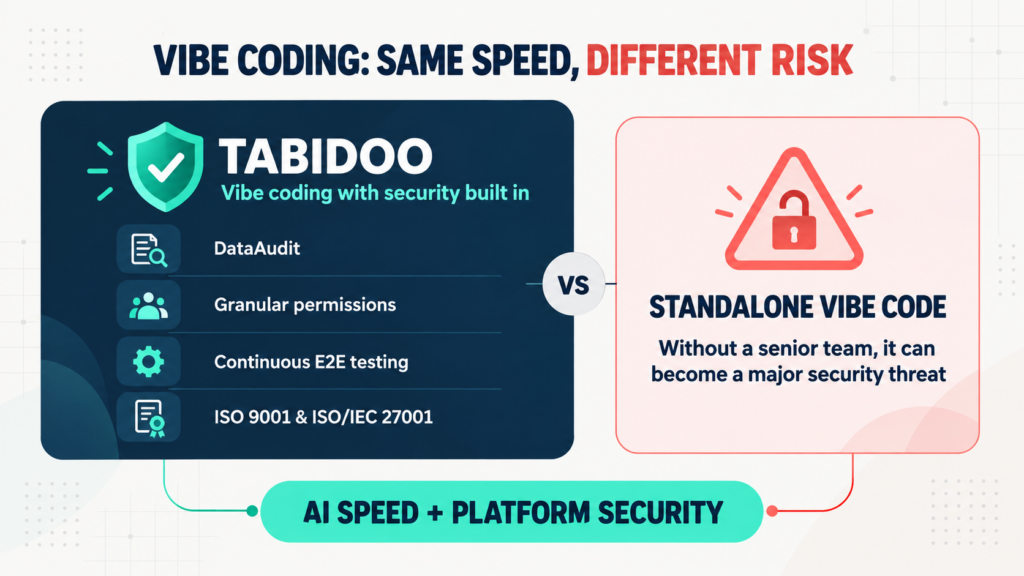
Vibe coding delivers speed, but not automatic security. Tabidoo combines AI with DataAudit, granular permissions, continuous E2E testing and certified processes.
Learn when to build an internal app in Tabidoo – with no per-user fees, flexible workflows, role-based access, audit history, API and custom logic.