
Workflow automation
Published September 4, 2026
Business processes often start in a spreadsheet. Over time, more files, emails, shared documents and manual checks are added. Eventually, it becomes difficult to tell where the latest information is, who should take the next step and who is allowed to change particular data.
At that point, companies usually face a choice: adapt the process to an off-the-shelf system or invest in custom development. Tabidoo offers a third option – a low-code platform where you can quickly build your own internal app in Tabidoo and extend it with workflows, JavaScript, REST API or an MCP server when needed.
Author Tabidoo
5 minutes to read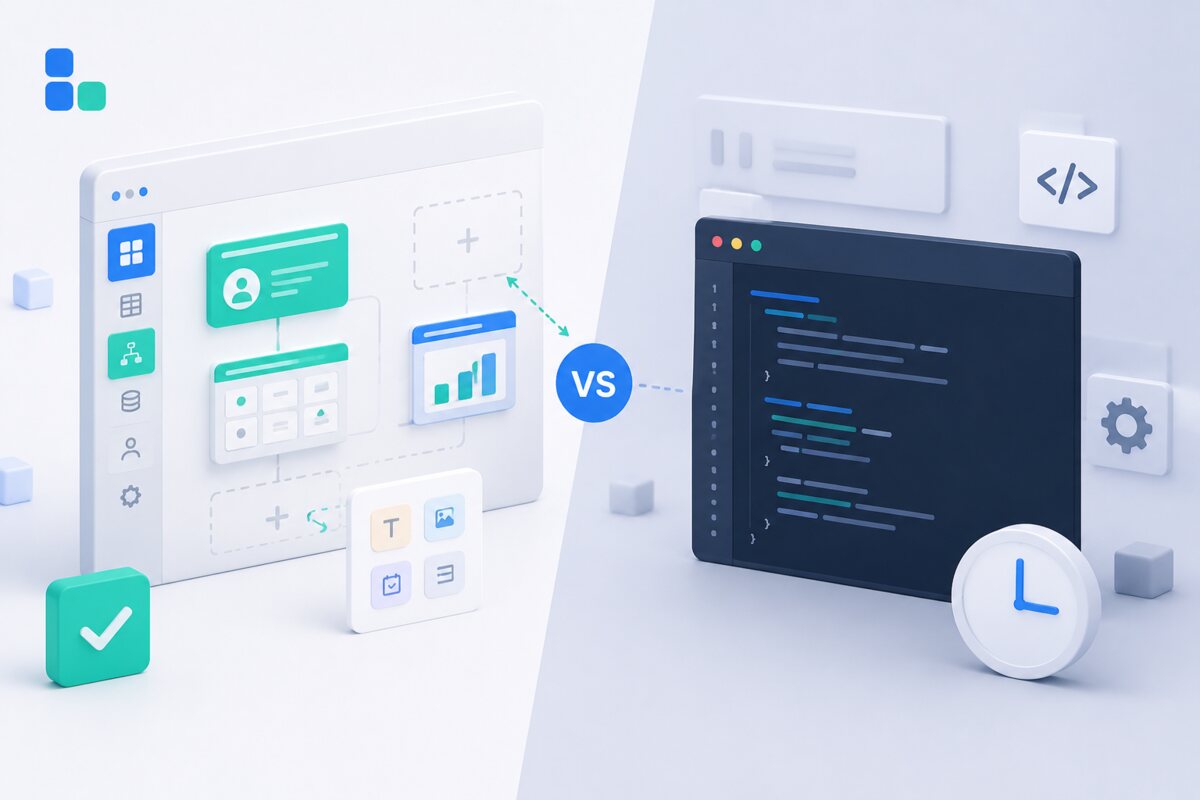
When does building an internal app in Tabidoo make the most sense?
Standard software works well when your process matches the way its creators expected you to work. Problems begin when you have to compensate with workarounds, additional spreadsheets and manual steps.
In Tabidoo, you can adapt the data model, forms, views, automations and permissions to a specific process. Typical examples include:
You do not have to develop an entire system from scratch or change a process that works simply to make it fit standard software.
Many SaaS tools charge a licence fee for every user. This becomes particularly expensive when an application also involves external partners, suppliers, customers or employees who only use the system occasionally.
Tabidoo does not charge per user. Its pricing plans differ by the capacity you use, including applications, tables and records, storage, API calls and workflow runs.
This model is especially useful when a large number of people need access to an application but each person only participates in a small part of the process.
It is not always possible to define the final system precisely in advance. It is often more effective to create an initial version, let real users work with it and then improve it based on their experience.
A basic Tabidoo application can be created visually without programming. A domain expert can design the data structure, forms, views and basic automations without waiting for a development team.
Built-in AI can help with solution design, scripts, workflows and application logic. When the application becomes more complex, a developer can continue extending it without discarding the work that has already been done.
Storing data is not enough for an internal application. You also need to define who can view, edit or delete it.
Tabidoo provides access control through users and roles. Permissions can be configured for individual tables, records and fields. An audit history also makes it possible to trace changes. The amount of history retained may vary depending on the selected plan.
This is important for document approvals, sensitive information and processes where you need to know who changed a particular value and when. Learn more about security in Tabidoo.
An internal application rarely operates in isolation. It may need to load data, generate documents, send notifications or exchange information with other services.
Tabidoo therefore offers:
Through the Tabidoo MCP server, supported AI assistants can search and analyse data, create or update records and work with the application structure, depending on the permissions assigned to them.
With the cloud version, Tabidoo manages the platform infrastructure, updates and technical operation. The application is available through a web browser, without the need to operate a separate database, backend or deployment pipeline.
Companies with specific infrastructure or data-location requirements can also use a dedicated or on-premises deployment.
Low-code is not a universal answer for every project.
If a specialised product already covers your process exactly, using that product may be simpler. Tabidoo may also not be the best fit for public consumer applications whose main value depends on a completely bespoke user interface or highly specialised behaviour.
No platform can fix a process if its owner, rules and desired outcome are not clear.
An internal app in Tabidoo is worth considering if:
In that case, you can create an initial working version, validate it with users and gradually develop it into a complete internal application.
Workflow automation

Reports
Multilingual
Quick setup, zero risk, full control.
No trial limits
No user fees
No credit card required

Recent PHP security vulnerabilities have raised concerns about the security of websites and applications. What’s happening, who is affected, and why can Tabidoo users continue working without worrying about these specific vulnerabilities?

Excel is no longer enough for your business when managing spreadsheets takes more time than actually working with the data. Common warning signs include duplicate information, manual data entry, disorganized order management, complicated approval processes, and reporting that depends on a single employee. If spreadsheets have become the main tool for managing your business processes, it may be time to switch to a connected business application like Tabidoo.
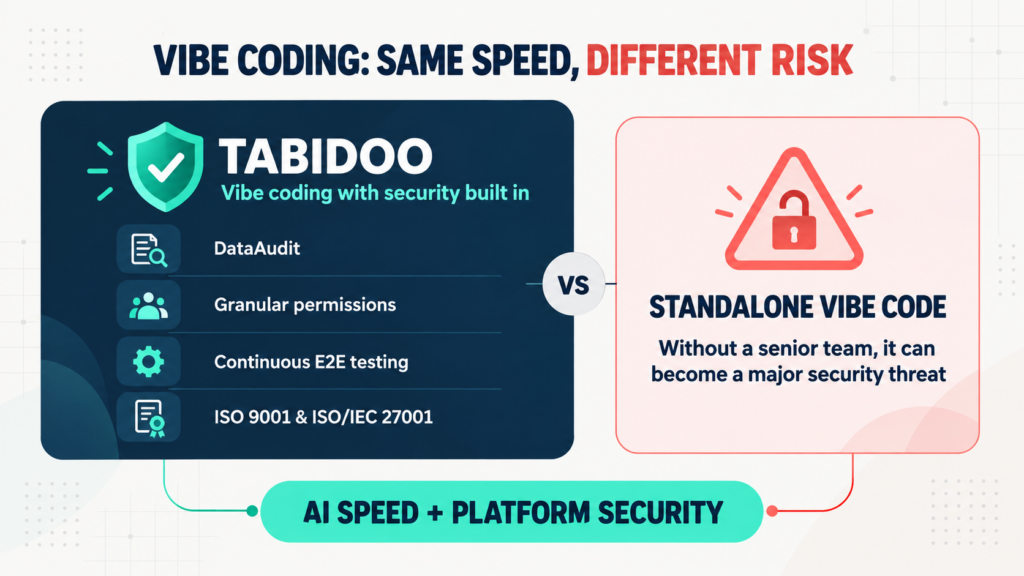
Vibe coding delivers speed, but not automatic security. Tabidoo combines AI with DataAudit, granular permissions, continuous E2E testing and certified processes.

Tabidoo is one of the best alternatives to Excel for managing business processes if you want to connect data, automate workflows, and build custom applications without coding. This Czech no-code/low-code platform allows businesses to replace disconnected spreadsheets with an integrated system for managing customers, orders, projects, and other operations. With Tabidoo AI, you can even start with an Excel spreadsheet you already use.