
Workflow automation
Published July 27, 2026
Employee onboarding is more than just an HR task. It’s a business process that involves HR, managers, IT, office management, and the new employee. If you’re managing onboarding through emails, spreadsheets, or paper checklists, mistakes are only a matter of time. In this article, you’ll learn how to manage employee onboarding, how to turn onboarding into a structured workflow, when a simple checklist is enough, and when it makes sense to use a workflow platform like Tabidoo.
Author Tabidoo
8 minutes to read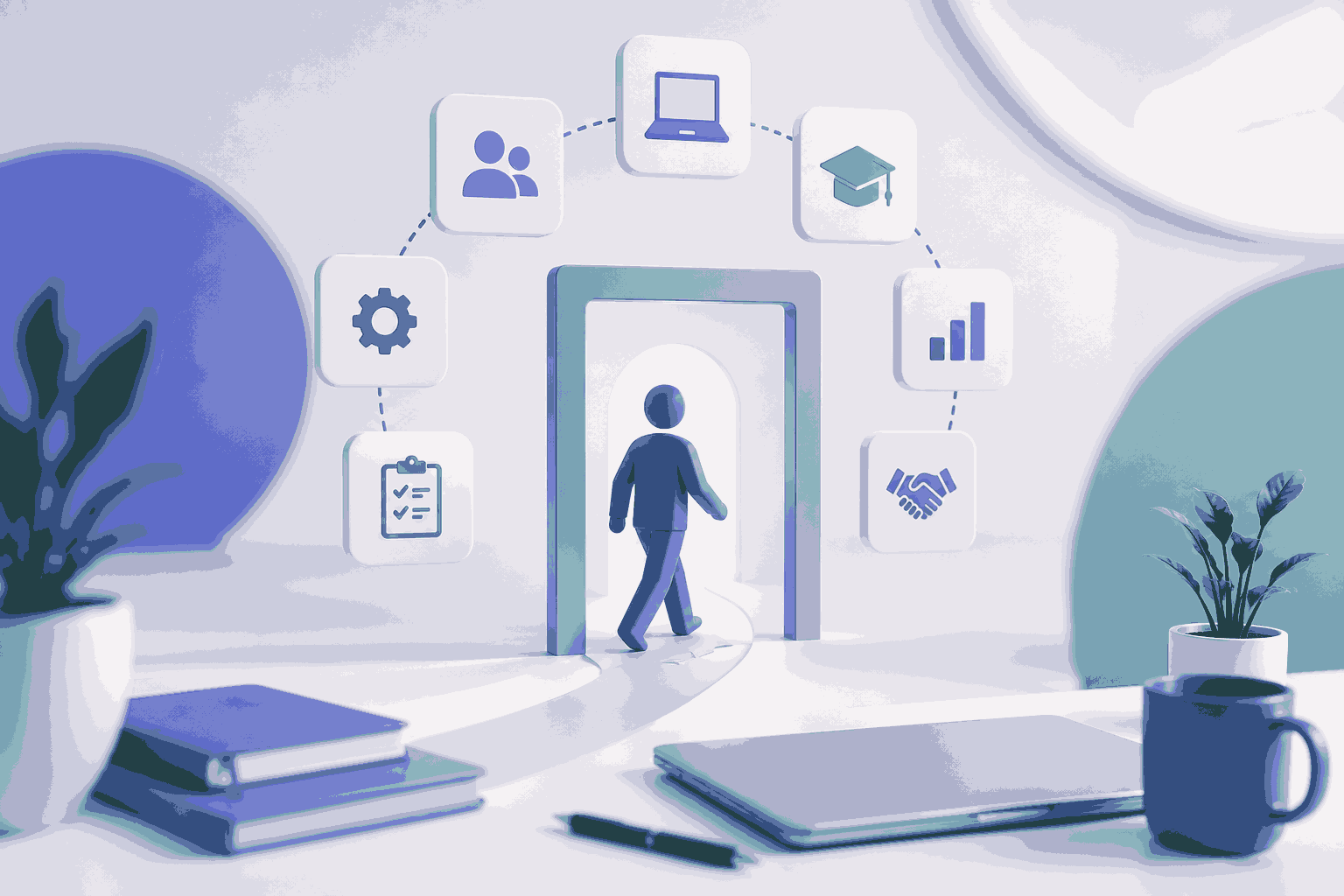
Employee onboarding is the process that begins when a candidate accepts a job offer and ends when the new hire is fully integrated into their role.
Many companies associate onboarding only with an employee’s first day at work. In reality, it is a series of connected steps designed to ensure that every new team member:
From a business perspective, onboarding is primarily a workflow that connects multiple departments while defining clear responsibilities, deadlines, and tasks.
When people think about onboarding, they often picture the HR department. In reality, onboarding rarely depends on HR alone.
A typical onboarding process involves:
This is exactly where most problems arise. HR sends an email to IT. The manager forgets to order a laptop. Office management doesn’t realize the employee starts on Monday. Mandatory safety training gets postponed until next week. Everyone completes their individual tasks. But no one has visibility into the entire process.
Based on our experience helping companies digitalize business processes, the biggest onboarding issue isn’t the administrative work itself. It’s the handoff of information between departments. When responsibilities, deadlines, and task ownership aren’t clearly visible, delays, reminders, and avoidable mistakes become inevitable.
If you recognize two or more of the following situations, it’s probably time to rethink your onboarding process.
If your onboarding process relies on people’s memory, it’s not really a process – it’s improvisation.
Many companies begin by creating an onboarding checklist. That’s a great first step. A checklist helps standardize the onboarding process. However, a checklist cannot actually manage the process.
For example, it doesn’t know when:
A workflow goes much further. Instead of acting as a simple to-do list, it automatically manages task dependencies and keeps the process moving.
For example:
New employee hired

↓

Create employment contract

↓

Prepare laptop

↓

Create Microsoft 365 account

↓

Order access card

↓

Schedule health & safety training

↓

Send welcome email

↓

Schedule first 1:1 meeting

↓

Complete probation review
Every task appears exactly when it’s needed. No one has to remember what comes next.
A successful onboarding process starts well before the employee’s first day.
The goal is to ensure that everything is ready before the employee arrives. Typical tasks include:
The first day shouldn’t be about solving problems. It should be about making new employees feel welcome.
Typical activities include:
At this stage, onboarding gradually transitions into employee adaptation.
Managers should regularly check:
Onboarding doesn’t end after the first week. An effective onboarding process should also include:
READ ALSO: How Tabidoo created “2.5 extra people” without recruiting
There is no single solution that works for every company. The right choice depends on your company size, hiring volume, and the complexity of your onboarding process.
| Solution | Best For | Limitations |
|---|---|---|
| Excel | Small businesses with only a few new hires each year | Manual work, no automation, limited visibility |
| Asana, Monday.com, ClickUp, Trello | Managing simple task lists | Not designed as HR or process management systems |
| HR Software (HRIS) | Companies looking for comprehensive HR management | Less flexibility when adapting workflows to unique business processes |
| Microsoft Power Apps | Organizations already using the Microsoft ecosystem | Often requires more technical expertise and development |
| Airtable | Lightweight database-driven applications | Limited workflow capabilities for more complex business processes |
| Tabidoo | Companies that want to customize onboarding and connect it with other business processes | Not intended to replace payroll or a full HRIS |
The goal isn’t to choose the most popular tool. It is to choose a solution that reflects how your company actually operates today – and can continue growing alongside your business.
Imagine this scenario: an HR specialist creates a new employee record. That’s it. There is no need to send five different emails. No need to manually assign tasks. No need to check whether IT has already prepared the laptop. Everything starts automatically.
Once the employee is created, Tabidoo can automatically:
A manager can immediately see something like:
John Smith – Onboarding Progress: 81% Complete
✅ Laptop prepared
✅ Microsoft 365 account created
✅ Health & Safety training completed
❌ Mentor assigned
❌ First 1:1 meeting scheduled
No one has to search through emails or spreadsheets. Everything lives in one place. And because Tabidoo is much more than an HR application, onboarding can easily be connected with other business processes, including:
This ability to connect multiple business processes is one of the biggest reasons companies choose a workflow platform instead of a standalone HR solution.
Tabidoo is an excellent choice if:
Tabidoo may not be the best fit if:
Companies often make the same onboarding mistakes:
Employee onboarding is far more than an administrative task. It’s one of the most important business processes in any organization because it shapes a new employee’s first experience while coordinating work across multiple departments.
If your onboarding process is relatively simple, an Excel spreadsheet or a basic project management tool may be enough.
However, as soon as onboarding involves multiple teams, approvals, dependencies, or automation, it’s worth managing it as a structured workflow.
Platforms like Tabidoo allow companies to build onboarding processes that match the way they actually work –without complex development and with the ability to connect onboarding to other business workflows across the organization.
Simply describe the process you need. Tabidoo AI partner will help you build the application around it.
The most effective approach is to manage onboarding as a structured workflow with clearly defined tasks, responsibilities, deadlines, and automation. This gives HR, managers, and IT complete visibility while reducing delays and human error.
A checklist is simply a list of tasks. A workflow actively manages the process by creating follow-up tasks automatically, sending notifications, tracking deadlines, and showing real-time progress.
For very small businesses, yes. But once onboarding involves multiple departments or more complex processes, a workflow platform or HR software becomes a much more scalable solution.
Not exactly. HR is just one of many areas where Tabidoo can be used.
Tabidoo is a low-code platform for digitizing business processes. Companies use it to build custom onboarding workflows, approval processes, helpdesks, asset management systems, employee records, project management applications, and many other internal business solutions.
For organizations looking to get started quickly, Tabidoo also offers ready-to-use applications that are especially useful for HR teams.
Workflow automation
Reports
Multilingual
Quick setup, zero risk, full control.
No trial limits
No user fees
No credit card required
Recent PHP security vulnerabilities have raised concerns about the security of websites and applications. What’s happening, who is affected, and why can Tabidoo users continue working without worrying about these specific vulnerabilities?

Excel is no longer enough for your business when managing spreadsheets takes more time than actually working with the data. Common warning signs include duplicate information, manual data entry, disorganized order management, complicated approval processes, and reporting that depends on a single employee. If spreadsheets have become the main tool for managing your business processes, it may be time to switch to a connected business application like Tabidoo.
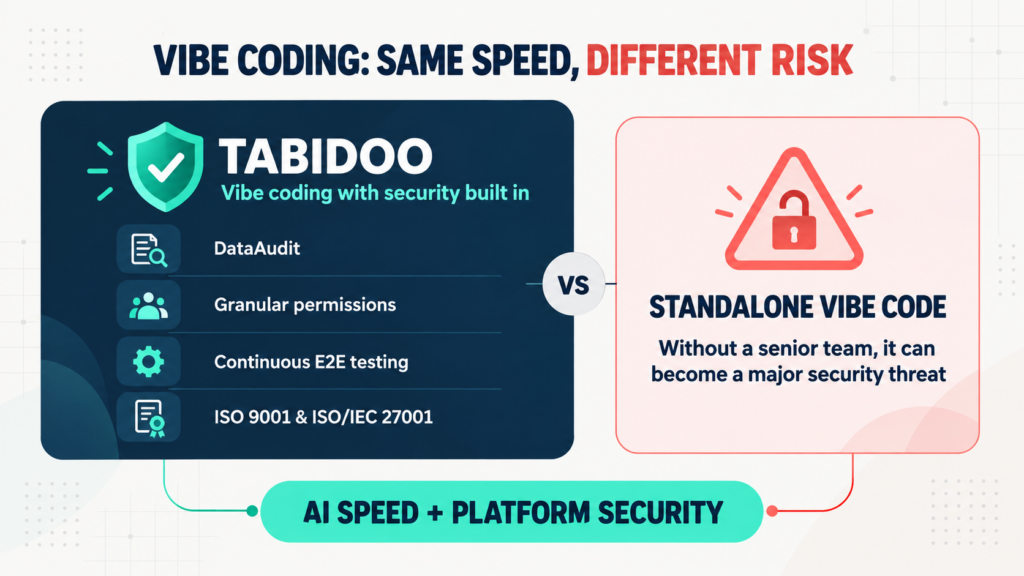
Vibe coding delivers speed, but not automatic security. Tabidoo combines AI with DataAudit, granular permissions, continuous E2E testing and certified processes.
Learn when to build an internal app in Tabidoo – with no per-user fees, flexible workflows, role-based access, audit history, API and custom logic.