
Workflow automation
Published September 15, 2026
Excel is better suited for calculations, data analysis, financial models, and spreadsheet-based work. Tabidoo is the better choice when data needs to drive everyday business processes. It allows companies to build custom applications with forms, connected records, user roles, and automation. And you don’t have to stop using Excel. With Tabidoo AI, you can turn an existing spreadsheet into an application while keeping Excel for the tasks it does best.
Author Tabidoo
11 minutes to read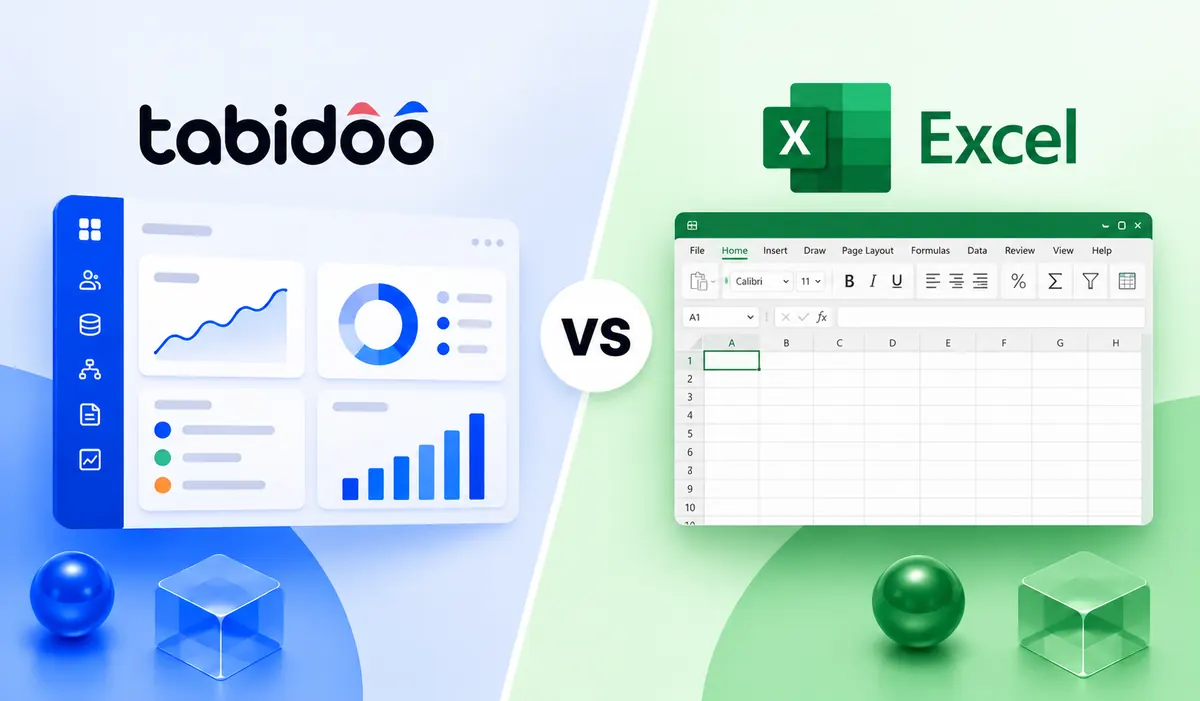
Imagine a spreadsheet containing fifty orders. Each order has a reference number, customer, deadline, price, and current status. Everything is neatly recorded. You can filter data, perform calculations, create charts, and evaluate results.
But then comes the question: What should happen when someone changes an order’s status to “Approved”?
Should a task automatically be created for production? Should a manager receive a notification? Or should a record be created for invoicing? And who should be allowed to change that status in the first place?
In Excel, some of these activities can be handled using formulas, scripts, or additional Microsoft tools. In Tabidoo, you can design them as part of your own business application.
Excel is excellent for working with information. Tabidoo is designed to manage the work that needs to happen because of that information.
| Feature | Excel | Tabidoo |
|---|---|---|
| Primary purpose | Calculations, analysis, spreadsheets, and modeling | Business records and process management |
| Formulas and financial models | Extensive advanced capabilities | Calculated fields and custom logic |
| Data management | Worksheets, tables, and data tools | Structured, connected records |
| Multi-user collaboration | Yes, in supported cloud environments | Yes, directly within applications |
| Data entry | Cells, tables, and form-based solutions | Custom forms with business rules |
| User permissions | File access and protection of selected areas | Roles and permissions within applications |
| Automation | Office Scripts, Power Automate, VBA, and other tools | Workflows built into the platform |
| Change history | Version history and selected change-tracking features | Record change history |
| AI | Copilot for spreadsheet work and analysis | AI-powered application creation and editing |
| Converting Excel into an application | Requires additional tools or development | Upload Excel files to Tabidoo AI |
| Best use case | Data analysis and processing | Everyday business operations |
Excel is much more than a basic spreadsheet. With Power Query, scripts, Power Automate, and other Microsoft 365 tools, it can support fairly advanced scenarios.
So the difference isn’t that Excel is completely incapable of performing certain tasks.
The difference is how many additional tools, configurations, and maintenance steps you need to turn a spreadsheet into a functioning business process.
Above all, when it comes to working with numbers. Excel has benefited from decades of development and offers exceptionally powerful capabilities for calculations, analysis, and financial modeling. If you need to prepare a budget, analyze historical data, calculate margins, create pivot tables, or test different financial scenarios, Excel is a very capable tool.
Its widespread adoption is another advantage. Employees are familiar with it, know how to use it, and can quickly create a one-off calculation without building a new application.
Moving to Tabidoo doesn’t mean abandoning Excel. It means deciding which tasks belong in a spreadsheet and which ones need a proper system.
Imagine a company that maintains separate Excel spreadsheets for customers, orders, equipment, and service requests. Each spreadsheet contains some of the necessary information. But customer details appear repeatedly across different files.
In Tabidoo, you can create four connected sets of records:
Customers → Orders → Equipment → Service requests
A particular piece of equipment belongs to a specific customer. A service request relates to a particular device. An order may contain related documentation and assigned employees. Users don’t have to repeatedly enter information that the system already knows.
This isn’t just about convenience. Relationships between records allow you to create reports and overviews that would otherwise require combining several spreadsheets.
Imagine an order management process. A salesperson can create an order, a manager approves it. A warehouse employee sees the items ready for dispatch. An accountant needs the information required for invoicing. Everyone works with the same business case, but they don’t have the same responsibilities.
In Excel, you can protect worksheets and cells or restrict access to files. However, if you need more detailed permissions based on roles and specific actions, managing such a solution can become more complicated. Tabidoo allows you to design application roles and access rules based on who works with the data.
Employees don’t need access to an entire spreadsheet just to update one piece of information.
Excel can validate inputs using data validation, formulas, and conditional formatting. But in a business application, you can connect validation directly to the process itself.
For example, a customer complaint cannot move to the next stage until all required information has been entered. When its status changes, the system can check whether conditions have been met or trigger another action.
Tabidoo lets you create forms and workflows that guide users through the correct procedure. Instead of checking for errors afterward, you can prevent some of them during data entry.
Many companies have someone who knows exactly how their spreadsheet works. They know every worksheet, understand the formulas, remember which columns must never be overwritten, and know who should receive which information. Problems arise when that person goes on holiday, leaves the company, or needs to hand the process over to someone else.
With Tabidoo, you can turn important rules into part of the application’s structure.
Of course, this doesn’t mean an application no longer needs an administrator or documentation. It means that some of your company’s knowledge no longer exists solely as unwritten instructions for using a spreadsheet.
In Excel, you can add a new column, create another worksheet, or modify a formula. In Tabidoo, you can change the process itself.
For example, a company initially uses a simple system to record service requests. Later, it wants to introduce priorities, automatic assignments, technician scheduling, and repair history. In Tabidoo, the application can gradually evolve with new records, rules, and forms.
Changing a business process doesn’t automatically have to mean purchasing another standalone software solution.
Let’s imagine a small company that processes approximately 80 orders every month.
The company uses a spreadsheet containing order numbers, customers, prices, deadlines, and statuses. A manager checks deadlines, employees update order statuses, and the accountant uses the spreadsheet to prepare invoicing information. For simple recordkeeping, this approach may be perfectly sufficient.
But once the company needs multi-level approvals, connections to inventory, or automatic handovers between teams, those requirements must be addressed through additional modifications and tools.
The company creates an application containing customer records, orders, employees, and related items. A new order is submitted through a form. Once approved, its status can change automatically, responsibility can be assigned, and a related record can be created. Managers monitor order progress through an overview. Employees work only with the information they need. Accountants get their data from the same source.
The biggest change isn’t that the company is using an application instead of a spreadsheet. The biggest change is that the system starts supporting the way the company actually works.
In the past, building a similar system required preparing specifications, designing a data structure, and then developing the application. Today, you can start with a file you’re already using.
Tabidoo AI lets you upload an Excel or CSV file and explain what the data represents and what you want the application to do.
For example: “This is our Excel spreadsheet with customer orders. I need to manage customers, track delivery deadlines, and automatically notify the responsible employee about overdue orders.”
AI proposes the application’s structure, data relationships, forms, and overviews. You can then refine the result.
It’s important to remember that AI may not understand every exception in your process on the first attempt. The initial application should therefore be tested before being used in production.
When comparing Excel and Tabidoo, looking only at the license price isn’t particularly useful. They are two different types of software.
Excel is available through various Microsoft 365 subscriptions and standalone licensing options. The exact price depends on the selected product and how it’s used.
Tabidoo offers a free plan and paid subscriptions based on application and data capacity.
| Plan | Monthly price with annual billing | Applications |
|---|---|---|
| Free | CZK 0 | 2 |
| Basic | CZK 1,500 | 10 |
| Standard | CZK 3,000 | 25 |
| Pro | CZK 6,000 | 100 |
| Enterprise | Custom pricing | Unlimited |
Prices exclude VAT. Tabidoo doesn’t charge per user on any plan.
When making a decision, it’s also important to account for the time required to configure the application, verify the data, and maintain the solution.
If one person needs to create a report once a week, Excel will usually be the simpler and more economical option. But if twenty employees work with the same records every day, hand over information, and monitor deadlines, operational costs also need to be considered.
It’s not just about the price of the software. It’s also about the time spent on manual administration, checking information, and correcting mistakes.
In these situations, a custom application may deliver more value than another modification to an existing spreadsheet.
Not at all. For many companies, the best solution is to combine both tools. Tabidoo can serve as the main system for managing customers, orders, approvals, and operational information. Excel can remain the preferred environment for specialized analysis, financial modeling, and one-off calculations. Data can be exported and processed further whenever needed.
The goal isn’t to replace every Excel spreadsheet. It’s to stop using a spreadsheet where you actually need an application.
For managing business processes, Tabidoo may be a better fit thanks to connected records, forms, permissions, and automation. Excel, on the other hand, is stronger for advanced calculations, analysis, and financial modeling.
Yes. Tabidoo supports importing data from Excel. With Tabidoo AI, you can also upload an existing spreadsheet, describe how the application should work, and generate an initial business application.
Not for standard applications. Tabidoo is a no-code/low-code platform, and Tabidoo AI allows you to describe requirements in natural language. More complex integrations or specialized logic may still require technical expertise.
Yes. Excel supports automation through VBA, Office Scripts, Power Automate, and other tools. Tabidoo offers workflows as part of its business application platform.
Yes. Tabidoo offers a Free plan with two applications and defined capacity limits. Paid plans start at CZK 1,500 per month with annual billing.
Yes. Tabidoo allows you to configure user roles and permissions so employees with different responsibilities can work with connected data.
A useful sign is when you no longer need only to record and analyze information, but also to manage who enters it, who approves it, what happens when its status changes, and how different activities connect.
Excel isn’t an outdated tool. For many tasks, it remains one of the best solutions available. But a spreadsheet that originally started as a simple database can gradually become the foundation of an important business process.
And at that point, the question is no longer how many more columns you need to add.
It’s whether you want to keep adapting your work to the limitations of a spreadsheet or create a tool that matches the way your company operates.
Tabidoo lets you take that next step. And with Tabidoo AI, you can start with the Excel file you already have.
Upload your existing spreadsheet, describe your process, and let Tabidoo AI create the first version.
Workflow automation

Reports

Multilingual
Quick setup, zero risk, full control.
No trial limits
No user fees
No credit card required
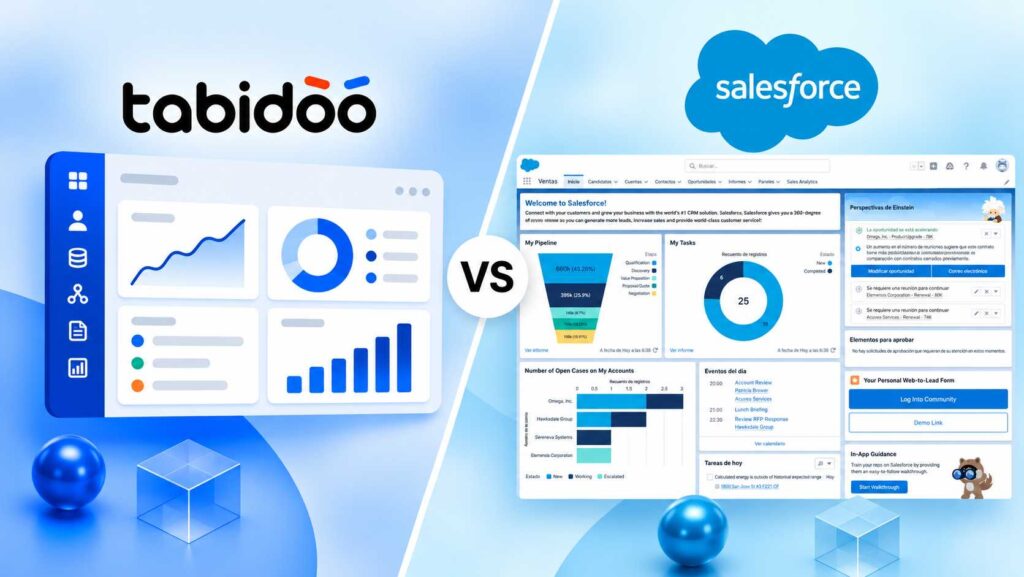
Salesforce is a powerful CRM platform for managing sales and customer relationships. Tabidoo offers a more flexible alternative for companies that want to build custom applications, tailor workflows to their needs, and manage business data without per-user fees. The right choice depends on your company’s requirements, the features you need, and your budget.
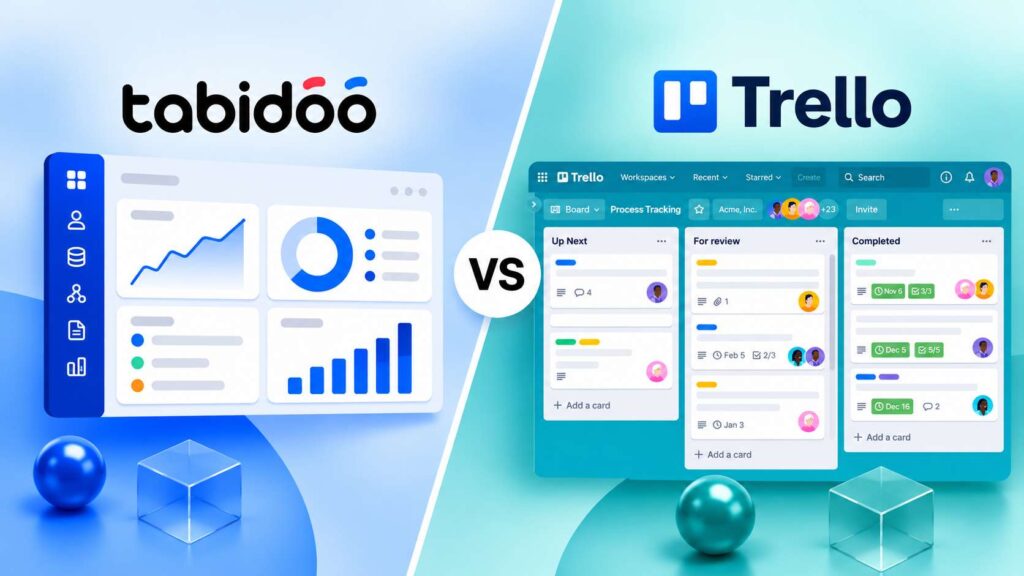
Tabidoo is a better choice for companies that want to tailor their software to their processes, connect business data, and automate everyday operations. Trello primarily focuses on visual task and project management, while Tabidoo allows businesses to build custom applications that support the needs of different departments.
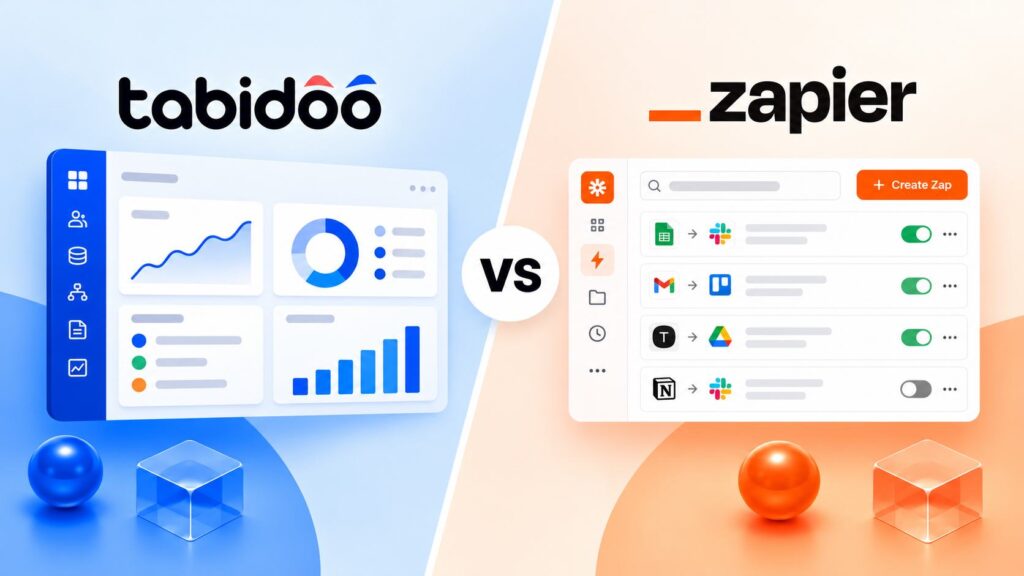
Tabidoo is a better choice than Zapier for companies that want to do more than automate workflows and need custom business applications to manage their processes in one place. Zapier primarily focuses on automating tasks and connecting existing apps. Tabidoo allows you to build tailored applications, manage business data, and automate processes within a single platform.
Tabidoo is a better choice than Pipedrive for companies that want to connect CRM with order management, project delivery, and other business processes. Pipedrive is a specialized CRM focused on sales pipelines, customer communication, and closing deals. Tabidoo lets you build your own CRM and extend it with connected business applications on a single platform.