
Workflow automation
Published July 14, 2026
You can automate administrative work by identifying repetitive tasks – such as invoice approvals, contract management, leave requests, or manual data entry – and replacing them with digital workflows. This eliminates the need for employees to manually copy information, send reminders, or search through email threads for documents. The result is fewer errors, faster business processes, and more time for work that creates real value for your business.
Author Tabidoo
6 minutes to read
As companies grow, however, administration tends to consume more and more time. The good news is that most routine administrative tasks can now be automated without complex software development or replacing your existing business systems.
In this article, you’ll learn which administrative processes are worth digitizing first and how to recognize when it’s the right time to automate.
Administrative automation means replacing repetitive manual tasks with predefined digital workflows. The goal isn’t to replace employees – it’s to eliminate routine work that repeats every day without adding real business value.
Typical examples include:
These repetitive activities are often the biggest source of wasted time across an organization.
You don’t need a complex business analysis. Simply ask yourself a few questions. If you answer YES to at least three of them, automation will likely deliver immediate value.
Individually, these issues may seem minor. Together, they can waste dozens of working hours every week.
Approving a single invoice often involves multiple emails, waiting for responses, and figuring out who currently has the document. An automated workflow routes invoices to the right approver, sends reminders for pending approvals, and records the complete approval history.
Everyone can instantly see the invoice status, while finance teams no longer need to chase approvals.
Contracts are often stored in different locations, and expiration dates are tracked manually.
Automation centralizes contract records, notifies responsible employees before contracts expire, and can even trigger renewal workflows automatically.
Salespeople should spend their time selling – not updating spreadsheets or rewriting meeting notes. A modern CRM can automatically create follow-up tasks, remind sales representatives to contact prospects, and move opportunities through the sales pipeline based on predefined workflow rules.
That means fewer missed opportunities and a more consistent sales process.
Paper forms and email requests are no longer necessary. Employees submit leave requests online, the workflow automatically sends them to the appropriate manager for approval, and approved requests can be synchronized with HR or attendance systems.
Everyone can track the approval status in real time.
Bringing a new employee on board involves dozens of small tasks. Preparing a laptop. Creating user accounts. Ordering equipment. Scheduling training sessions.
A workflow automatically assigns each task to the right person and monitors completion, ensuring nothing gets overlooked.
Instead of emails, phone calls, or chat messages, employees submit requests through a single, structured form. The system automatically assigns the request, sets its priority, tracks deadlines, and lets employees monitor its progress from start to finish.
The result is less chaos and faster response times.
Laptops. Phones. Software licenses. Company vehicles. As organizations grow, so does the amount of equipment they need to manage. Automation helps track asset ownership, warranty expiration dates, maintenance schedules, and service history.
Projects are often delayed not because of the work itself, but because of the administration surrounding it. Approvals. Task handovers. Deadline tracking. Workflow automation ensures everyone knows what needs to be done, who’s responsible, and what depends on their work.
How many emails do you send every week just to remind someone about a task? Automation takes care of that. Pending approvals. Upcoming deadlines. Expiring contracts. Open requests.
These small automations save employees a surprising amount of time every week.
The exact savings depend on your business and individual workflows, but the difference between manual administration and automated workflows is often dramatic.
| Administrative Task | Manual Process | Automated Workflow |
|---|---|---|
| Invoice approvals | Several days | A few minutes |
| Leave requests | Email communication | Online form with automated approval |
| Employee onboarding | Dozens of manual tasks | Automatically generated task list |
| Help desk | Phone calls or emails | Centralized request management |
| Deadline reminders | Manual follow-ups | Automated notifications |
The greatest benefit isn’t just speed.
It’s also fewer errors, greater transparency, and better process visibility.
Not at all. In fact, modern workflow platforms like Tabidoo act as a layer that connects your existing software. Your accounting system can stay exactly as it is. The same applies to Microsoft 365, Google Workspace, ERP software, and other business applications.
Instead of replacing them, Tabidoo connects your data and workflows across systems—without requiring a complete software migration.
Don’t try to automate ten processes at once. Start with one administrative task your employees perform every day. Digitize it. Verify that it works. Then gradually automate additional processes.
That’s how organizations build scalable digital operations – one workflow at a time.
Organizations commonly automate document approvals, contract management, CRM workflows, employee onboarding, help desk requests, asset management, leave approvals, and internal approval processes.
Yes. Small businesses often experience the biggest impact because administrative work is handled by fewer employees, making every hour saved more valuable.
Not necessarily. Modern low-code platforms like Tabidoo allow business users to build workflows and business applications without traditional software development.
Simple workflows can often be digitized within a few days. More advanced processes depend on the number of approval steps, integrations, and business requirements.
Start with the process that happens most frequently and consumes the most employee time. For many businesses, that’s invoice approvals, leave requests, CRM workflows, or employee onboarding.
Workflow automation
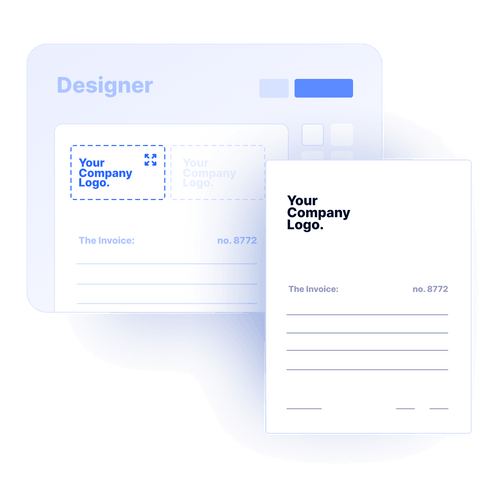
Reports
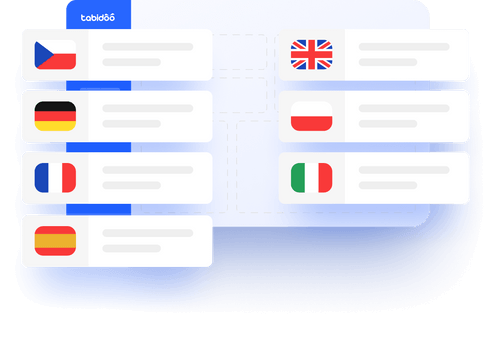
Multilingual
Quick setup, zero risk, full control.
No trial limits
No user fees
No credit card required

Recent PHP security vulnerabilities have raised concerns about the security of websites and applications. What’s happening, who is affected, and why can Tabidoo users continue working without worrying about these specific vulnerabilities?

Excel is no longer enough for your business when managing spreadsheets takes more time than actually working with the data. Common warning signs include duplicate information, manual data entry, disorganized order management, complicated approval processes, and reporting that depends on a single employee. If spreadsheets have become the main tool for managing your business processes, it may be time to switch to a connected business application like Tabidoo.
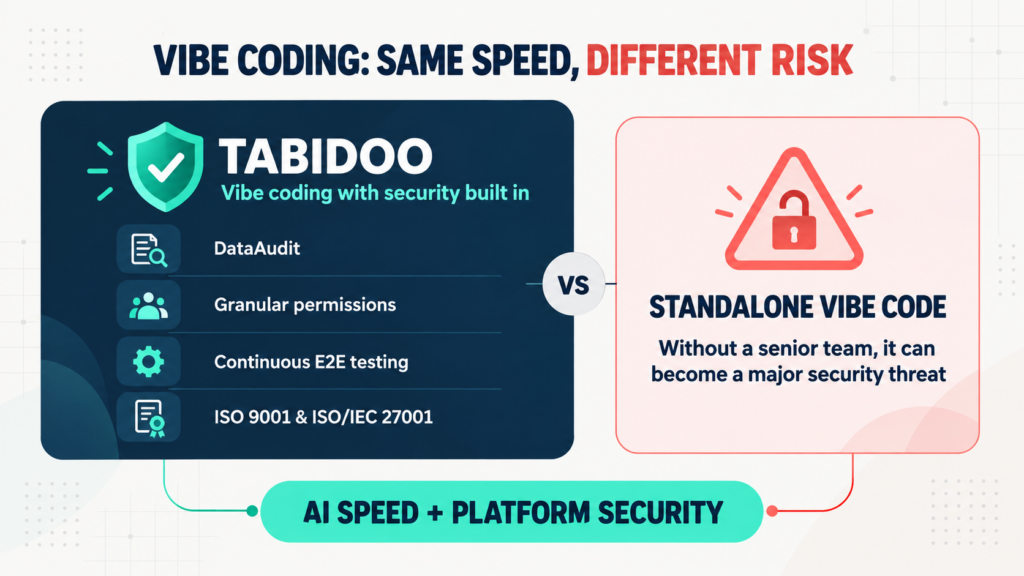
Vibe coding delivers speed, but not automatic security. Tabidoo combines AI with DataAudit, granular permissions, continuous E2E testing and certified processes.
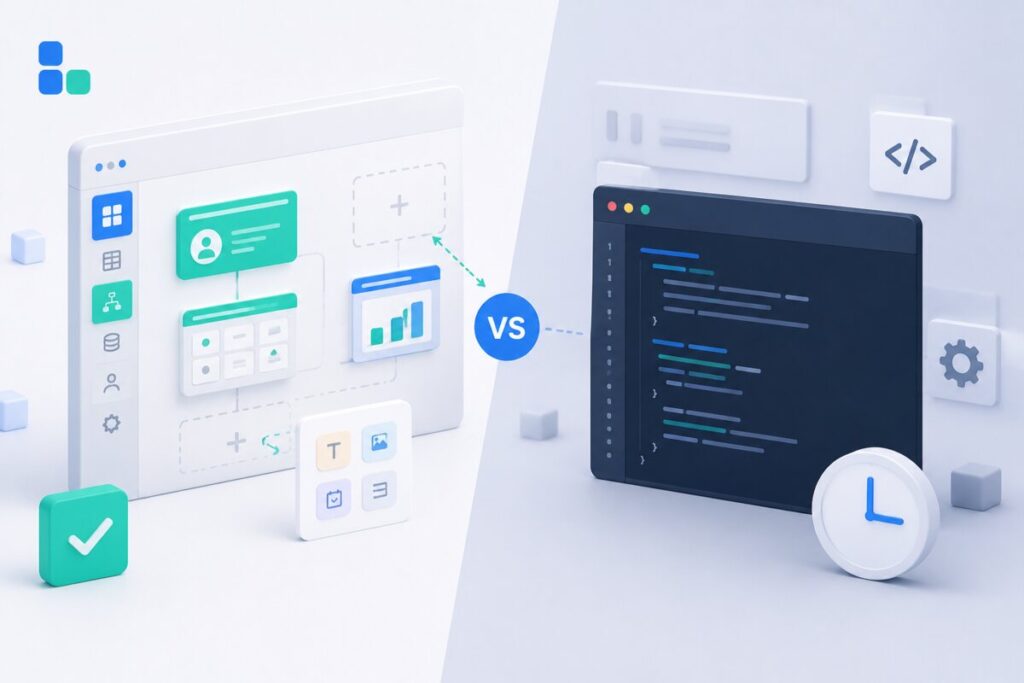
Learn when to build an internal app in Tabidoo – with no per-user fees, flexible workflows, role-based access, audit history, API and custom logic.