


14,000+ happy customers are already enjoying Tabidoo.
Users and roles
Not every user needs to see everything. And they definitely don’t need to edit everything. With the Users and Roles extension, you can manage access to individual parts of your Tabidoo app in detail. Create roles, define their permissions, and easily assign each user exactly what they can access.
Stay in control of who can see what in your app – and what they can do with it.
No commitment. Free. No pressure.
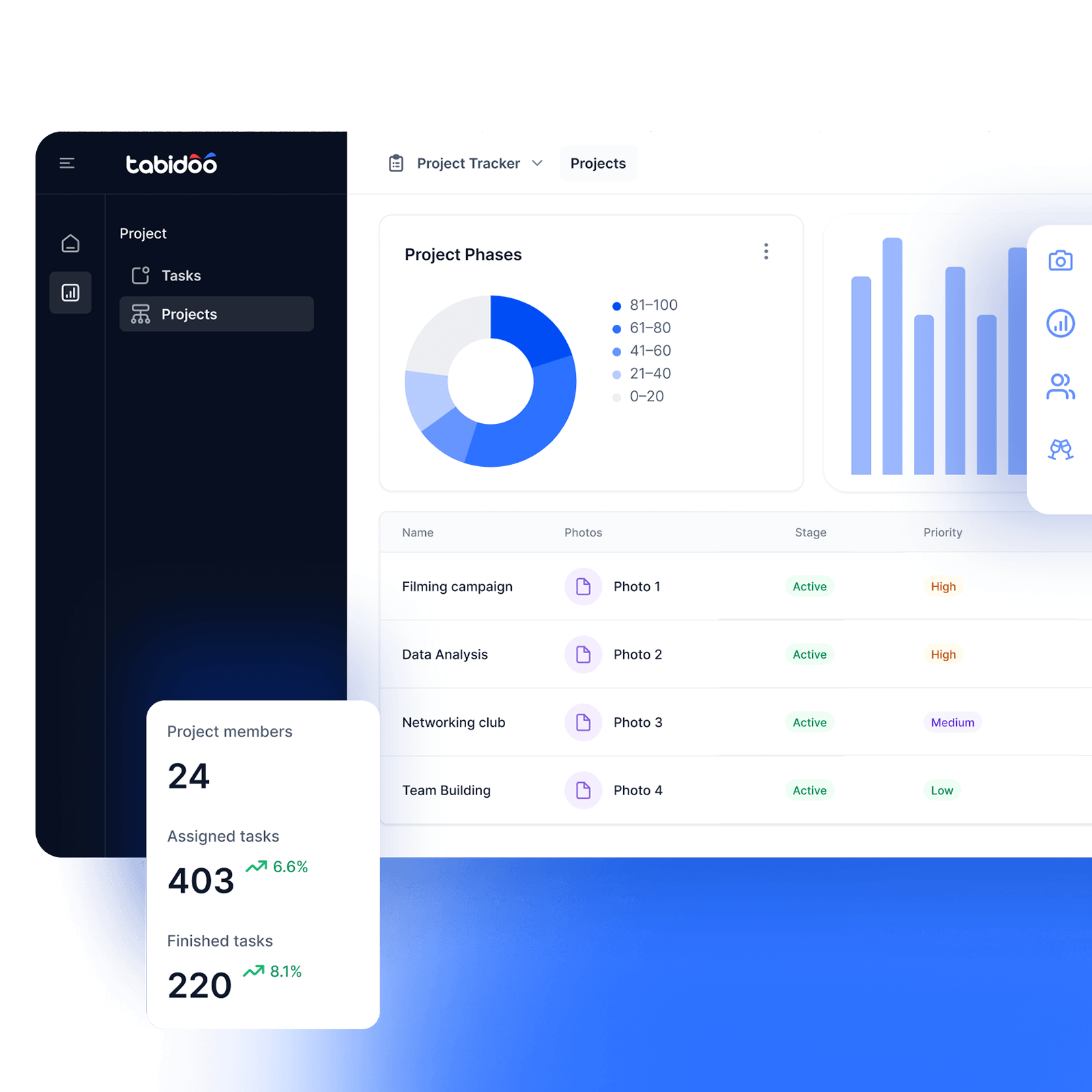

Users and roles
Everyone sees exactly what they need
A salesperson needs access to sales. HR needs access to HR. Some users need to edit data, while others only need to view it. Instead of giving everyone the same level of access, you can create roles with specific permissions and assign them to individual users.
What can you configure with the extension?
- Schema access level
Define which schemas a specific role can access. - Hide schemas
Hide parts of the app that users don’t need to access. - Read-only access
Users can view selected items but cannot edit them. - Restrict access completely
Completely block access to selected items. - User management
Create users and assign them the appropriate roles and permissions.
How do users and roles work?
- Add the extension
- Create roles
- Set permissions
- Assign roles
Add the extension to your app
Import Users and Roles from Templates into your app. The extension will add the Users and Roles schemas to your app.
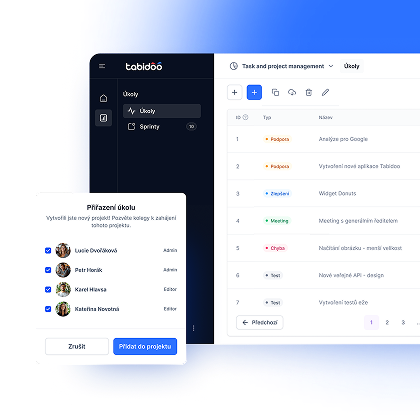
Create roles
Define individual roles based on how people work in your app.
Set permissions
For each role, define access to the app and individual schemas – including what users can view or edit.
Assign roles to users
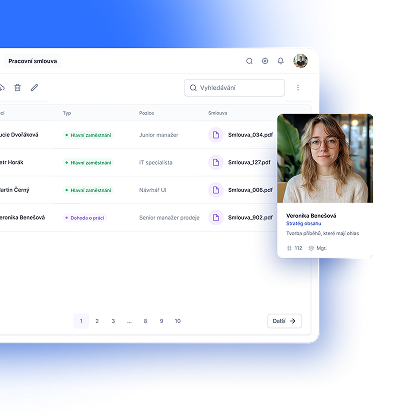
Assign the appropriate role to each user. Once they log in, they’ll have access based on the permissions you’ve set.
Already using simple sharing?
If you’re using simple sharing in your app, once you add the extension, existing users will be moved to the newly created Users schema and assigned to the appropriate role.
The original simple app sharing option will then no longer be available..
One app. Different users. Precisely defined access.
Book an appointment

Book an appointment
Online meeting
30 min

Igor Kollár
Sales representative
Online meeting
30 min

Barbora Školaudy
Sales representative
Online meeting
30 min