
Workflow automation
Published September 14, 2026
Google Sheets is a great tool for spreadsheets, calculations, data analysis, and quick collaboration. But once you start managing an entire business process in a spreadsheet, adding permissions, automations, workflows, or connecting different types of data, a database-driven business app may be a better fit. Tabidoo lets you build such an app without coding and turn your existing Excel or Google Sheets data into a structured system.
Author Tabidoo
6 minutes to read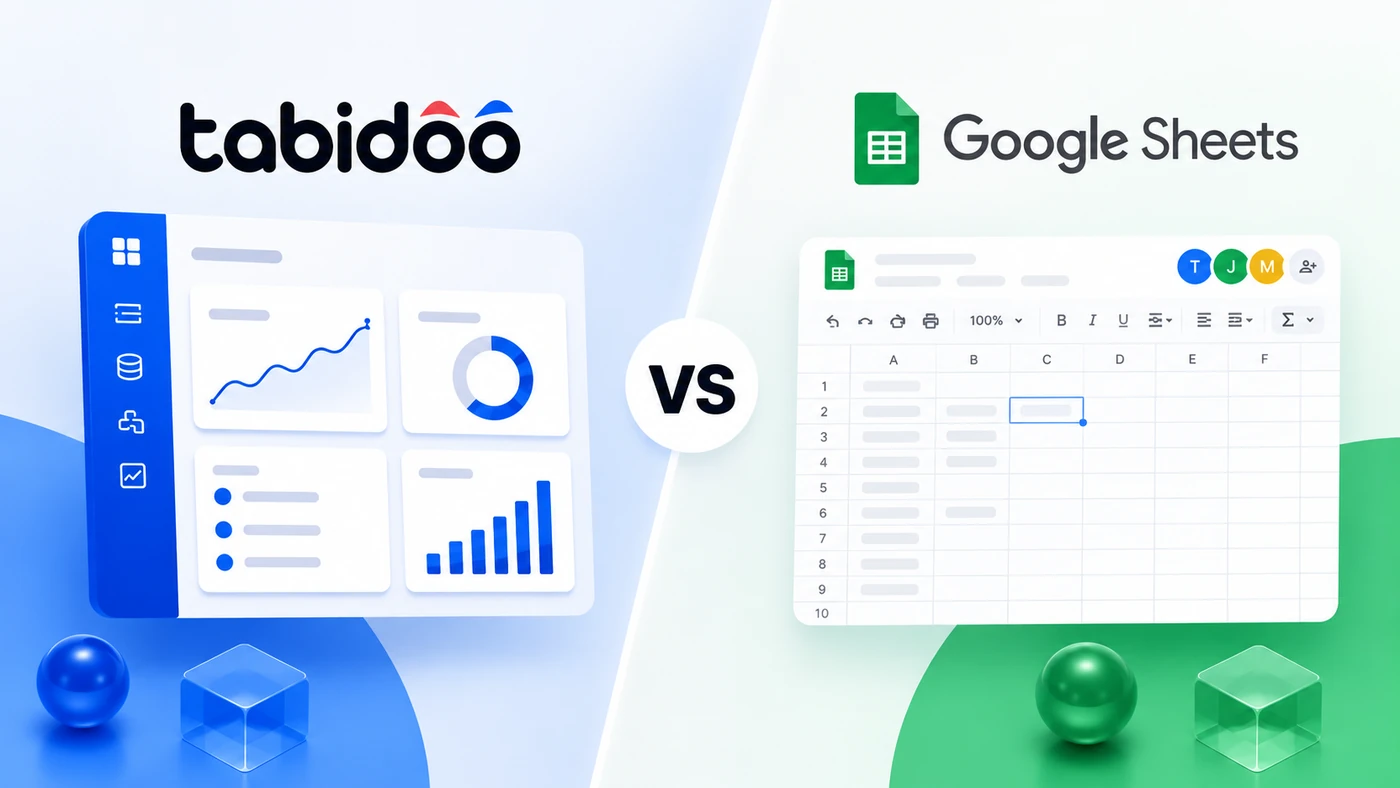
| Area | Tabidoo | Google Sheets |
|---|---|---|
| Spreadsheets and data management | ✅ | ✅ |
| Multi-user collaboration | ✅ | ✅ |
| AI-powered data analysis | ✅ | ✅ Gemini |
| Creating with AI | ✅ apps | ✅ spreadsheets, visualizations, and mini-apps |
| Relational database | ✅ | Limited / spreadsheet model |
| Forms connected to data | ✅ | Via the Google ecosystem |
| Workflows | ✅ | Possible with features/extensions |
| Process automation | ✅ | Possible |
| User roles | ✅ detailed app-level permissions | ✅ file-level permissions |
| Dashboards | ✅ | ✅ |
| API | ✅ | ✅ |
| Make / Zapier | ✅ | Via integrations |
| Change history | ✅ | ✅ version history |
| CRM / HR / projects / asset management | ✅ as an app | Can be built in spreadsheets |
| Tabidoo per-user pricing | No | Depends on Google Workspace |
| Best for | Managing business processes | Spreadsheets, analysis, and collaboration |
Google Sheets makes more sense when:
Google Sheets is also much more than a basic spreadsheet today. Gemini can create tables and formulas, analyze data, and generate visualizations. Google also offers Canvas for creating interactive mini-apps such as dashboards or Kanban boards.
Tabidoo makes more sense when you’re no longer managing just a spreadsheet, but an entire process. For example:
In Tabidoo, your data is structured as a database application. On top of it, you can build forms, views, workflows, automations, and additional business logic. Tabidoo’s online database also makes it possible to turn Excel or Google Sheets data into an application without coding.
Google Sheets helps you work with a spreadsheet. Tabidoo helps you build a system around your business process.
Google Sheets:rows → columns → formulas → analysis
Tabidoo:data → relationships → forms → roles → workflows → automations → application
You don’t have to start from scratch. If your business process currently lives in Google Sheets or Excel, you can move your existing data to Tabidoo and build a database application, workflows, and automations around it.
Google Sheets can work very well for simple customer records or a basic sales pipeline. But once you need to connect companies, contacts, sales opportunities, activities, permissions, automated steps, and reporting, a CRM or database application becomes a more suitable solution.
Google Sheets is suitable for simple task lists, schedules, or project overviews, and Google also offers ready-made spreadsheets for project management.
However, if you need to connect tasks with projects, clients, people, workflows, and other business data, Tabidoo lets you build an interconnected system around the entire process.
A spreadsheet can grow with the number of rows. A business system needs to grow with the process.
At the beginning, Google Sheets may be exactly what a business needs. A few people, simple records, several columns, and a clear way of working. But as the company grows, it’s not just the number of rows that increases. You add more people, responsibilities, approvals, exceptions, automations, and processes that need to work together.
That’s when the problem changes. It’s no longer just about where your data is stored, but who can work with it, what should happen when a status changes, who needs to be notified, what needs to be approved, and how different types of data should be connected.
Google Sheets can still work very well as a spreadsheet tool. But if a spreadsheet gradually starts acting as your CRM, project management system, employee database, or another core business process, your company often doesn’t need a bigger spreadsheet. It needs a system that actually manages the process.
In Tabidoo, you can connect your data with forms, roles, workflows, and automations, and continue adapting the application as the way your business works evolves.
So the question isn’t how many more rows Google Sheets can handle. The question is how much of your business process you still want to manage in a spreadsheet.
Anyone with a Google account can use Google Sheets, while some advanced features are included in paid Google Workspace plans.
Tabidoo offers a Free plan, and its paid plans are not priced per user. Current Tabidoo plans include unlimited users, while limits vary based on factors such as the number of applications, records, API calls, storage, or automations.
This is exactly what happened at JPF Czech. Timesheets were managed in Google Sheets, project information lived in separate documents, and important data was scattered across multiple places.
As the company grew, keeping track of projects, interim managers, and their performance became increasingly difficult. JPF Czech therefore moved its data from Google Sheets to Tabidoo and connected everything in one system. Data updates were also automated using Make.
It wasn’t about replacing one spreadsheet with another. It was the point when the company needed a system instead of a spreadsheet.
Yes, if you use Google Sheets to manage business processes and need a database structure, forms, roles, workflows, or automations around your data. For simple spreadsheets, calculations, and data analysis, Google Sheets may be the better choice.
It depends on the use case. Google Sheets is primarily a spreadsheet tool for working with, analyzing, and collaborating on data. Tabidoo is a low-code/no-code platform for building database-driven business applications.
Typically, when your spreadsheet starts managing an entire process and you need connected data, different access permissions, workflows, automations, or clearly defined forms and responsibilities.
Yes. Tabidoo’s online database functionality allows you to turn Excel or Google Sheets data into an application without coding.
Yes, especially when a simple customer spreadsheet is no longer enough and you need to connect customers with contacts, sales opportunities, activities, workflows, and reporting.
No. Tabidoo’s current plans include unlimited users. Individual plans differ based on other limits and features.
Workflow automation
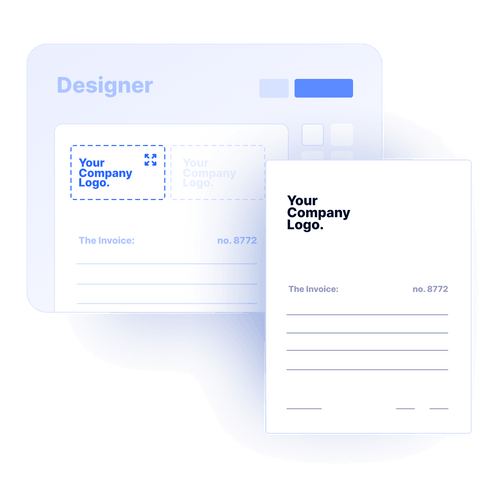
Reports
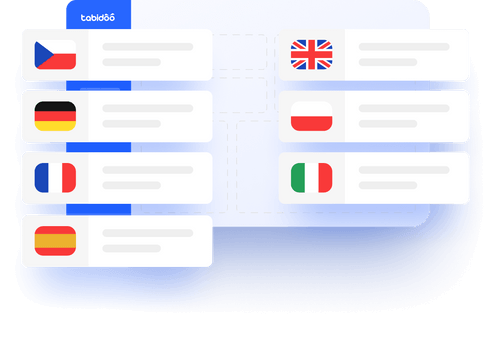
Multilingual
Quick setup, zero risk, full control.
No trial limits
No user fees
No credit card required
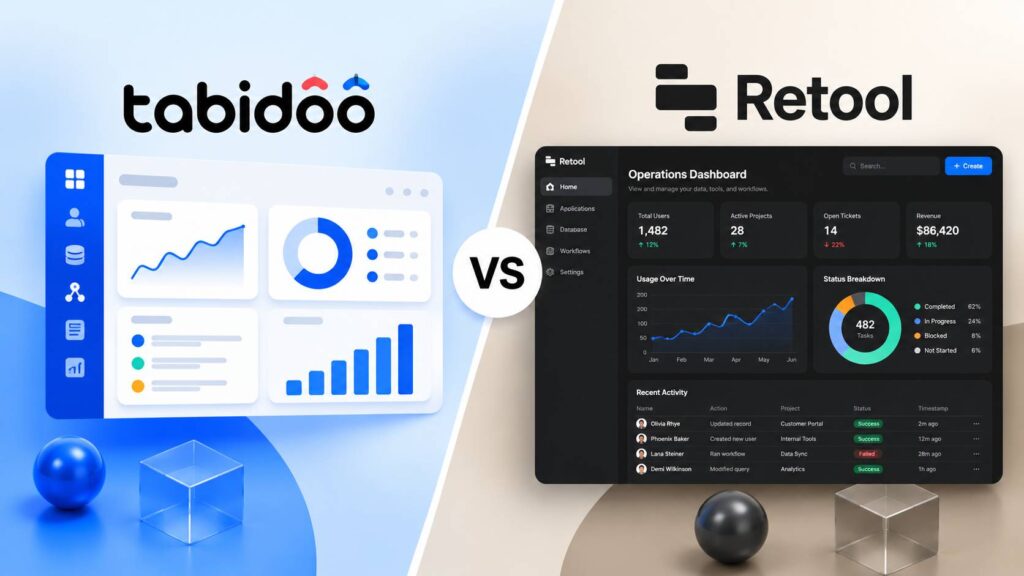
Tabidoo is a strong choice for companies that want to build custom business applications, manage data, and automate workflows without relying heavily on developers. Retool is designed primarily for building internal tools connected to databases and existing systems, making it particularly suitable for technical teams.
Salesforce is a powerful CRM platform for managing sales and customer relationships. Tabidoo offers a more flexible alternative for companies that want to build custom applications, tailor workflows to their needs, and manage business data without per-user fees. The right choice depends on your company’s requirements, the features you need, and your budget.
Tabidoo is a better choice for companies that want to tailor their software to their processes, connect business data, and automate everyday operations. Trello primarily focuses on visual task and project management, while Tabidoo allows businesses to build custom applications that support the needs of different departments.
Tabidoo is a better choice than Zapier for companies that want to do more than automate workflows and need custom business applications to manage their processes in one place. Zapier primarily focuses on automating tasks and connecting existing apps. Tabidoo allows you to build tailored applications, manage business data, and automate processes within a single platform.