
Workflow automation
Published June 15, 2026
Remember our recent update that let you simply describe how forms should behave? Well, we thought – why stop at forms? Now you can get the same kind of help when creating widgets in Tabidoo, too!
Author Tabidoo
3 minutes to read
Remember our recent update that let you simply describe how forms should behave? Well, we thought – why stop at forms? Now you can get the same kind of help when creating widgets in Tabidoo, too!
A chart, overview, table, or widget exactly the way you imagine it. Most of the time, you already know what you want to create. Now you don’t have to worry so much about how to build it. Just say it in the way that feels natural to you!
For example:
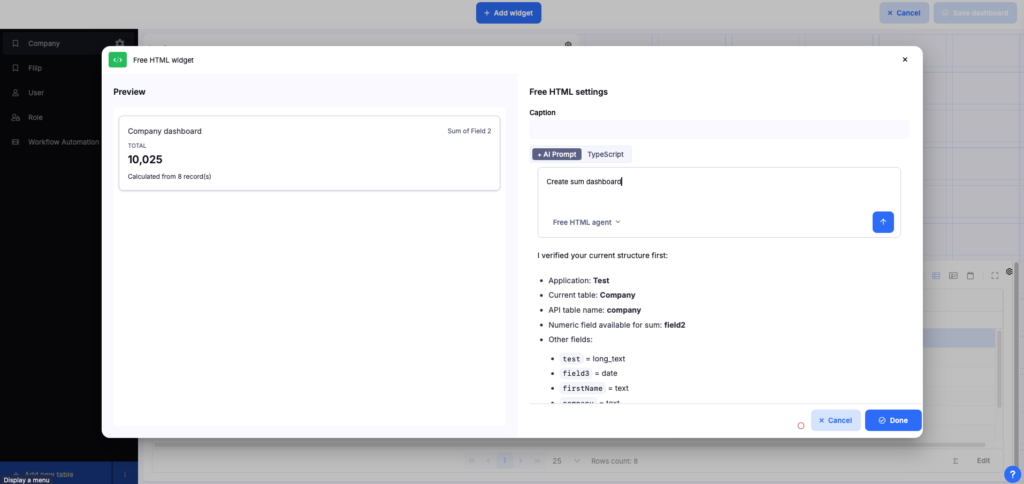
Create a bar chart showing the number of registrations by month, grouped by registrations with and without a phone number. I want the chart to be partially animated and I only want to see data from the last 6 months.
And there you have it!
Most people don’t struggle with deciding what they want to build. The challenge usually comes when it’s time to translate that idea into HTML, CSS, or JavaScript.
Need a chart showing orders from the last 30 days? Want to highlight important values in a table? Or customize a widget so it fits your dashboard perfectly? Now AI can help you do exactly that – directly inside your widgets.
AI in widgets works a little differently than a typical chat. The best results come when you describe exactly what you want to create.
Feel free to include details such as the chart type, colors, layout, or the desired widget behavior. The more specific you are about what the widget should do, the better the result you’ll get.
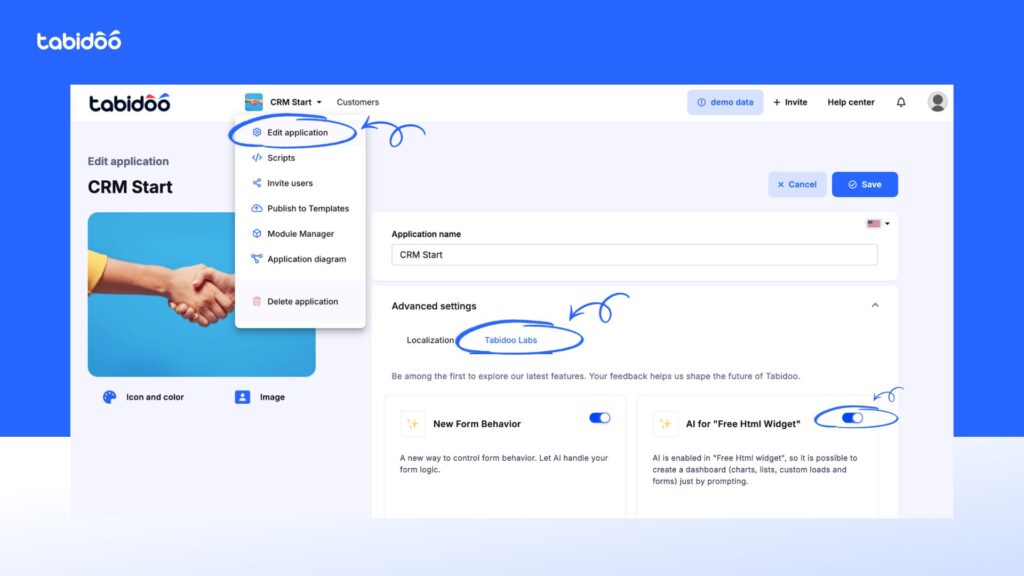
No complicated setup. No need to spend your entire weekend reading documentation. You’ll find the feature in Tabidoo Labs under AI for FreeHTML Widget. Simply enable it in your application settings and you’re ready to start building.
Whether you need a chart, dashboard, cards, or custom widget logic, start by describing the outcome you want to achieve. From there, Tabidoo will help you bring it to life.
P.S. If your first reaction is: „That saved me more time than I expected,” let us know. We enjoy that kind of feedback almost as much as building new features. Happy experimenting!
Workflow automation
Reports
Multilingual
Quick setup, zero risk, full control.
No trial limits
No user fees
No credit card required

Got 4 minutes? Because that’s exactly how close you are to a brand-new business app. Yes. An app. Not an app concept. Not a list of features it might have one day, not a demo or something that still needs three more meetings, two developers, and that one person who’s “the only one who knows how […]

Building business automations has always been a bit like assembling IKEA furniture. If you know what you're doing, it's easy. If you don't, an hour later you're wondering whether you missed a step because you have three screws left over. The good news? You can leave the manual in the drawer. Tabidoo AI Partner can now build your workflows for you. Just tell it what you want it to do.
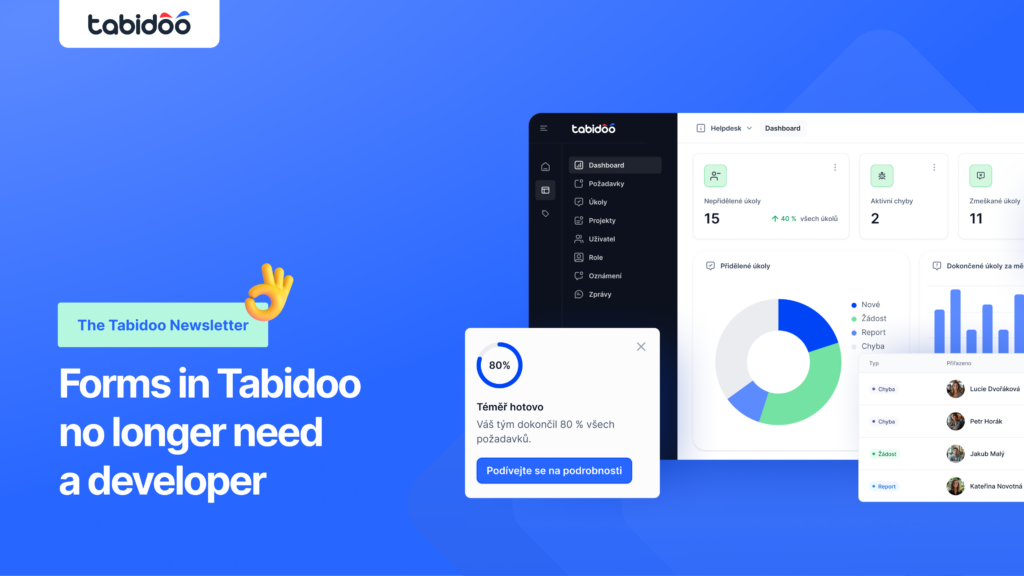
Let’s be honest – some moments in Tabidoo just feel good. Like when you build an app in a few minutes that actually saves your whole company time and money 💡 And then there are those moments when you open form scripting and start wondering whether you’re still a user… or already a junior developer 🫢
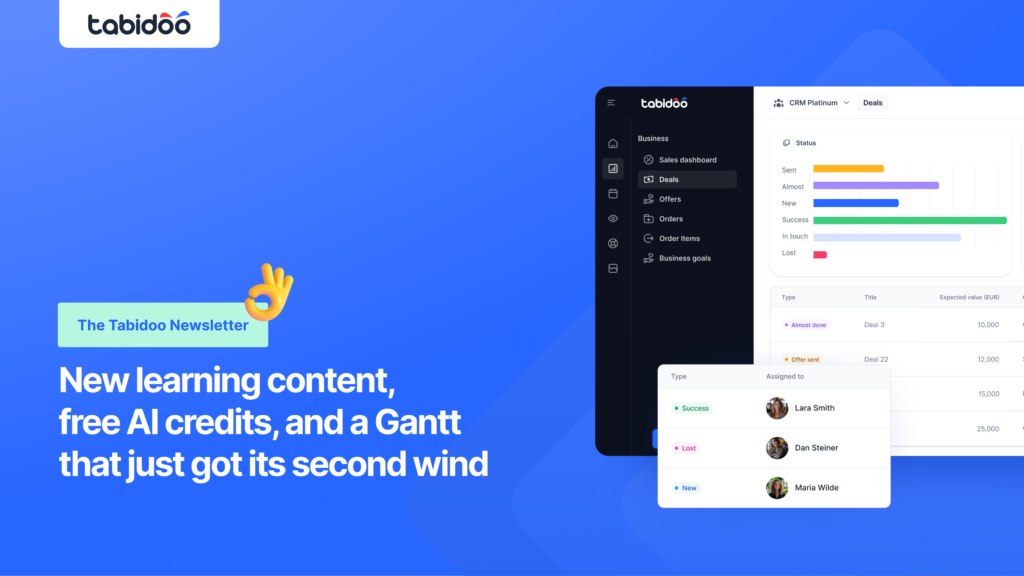
Are you really using Tabidoo to its full potential today? Or are some features still waiting for their moment? 👀 We’ve got good news for you – we’ve launched the new Tabidoo Academy 🎓