


14,000+ happy customers are already enjoying Tabidoo.
System log
What’s happening inside your app? Most of the time, you don’t need to know. Until you do. System log shows system events in one place. You can set the log level and choose how many records to keep.
When you need to know more, you know where to look.
No commitment. Free. No pressure.
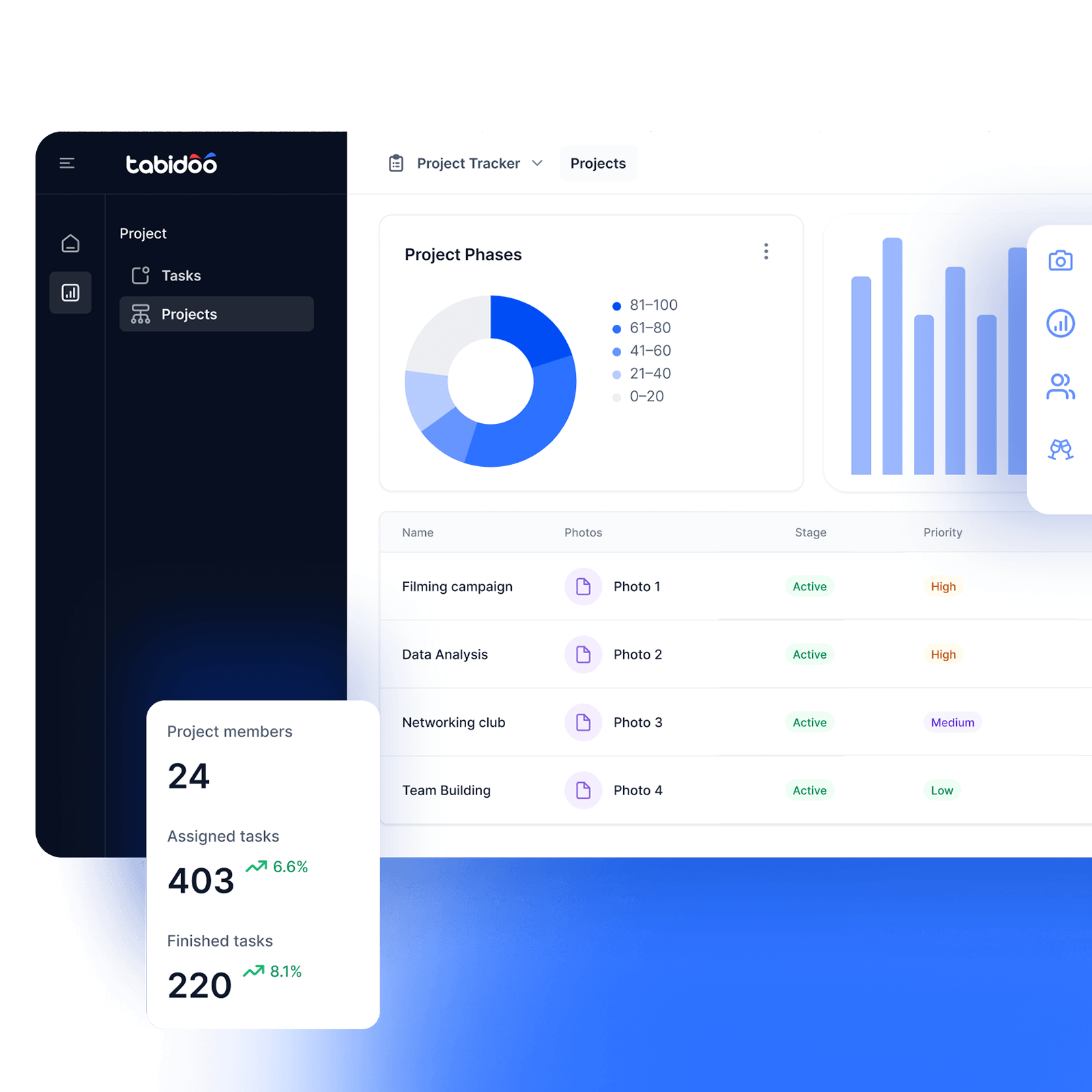

System log
System events, all in one place
What happened in your app? System log shows you a list of system events, so you have one place to check. You can also choose the log level and how many records you want to keep.
What Can You Do with System Log?
- View system events
Keep track of recorded events in your app. - Set the log level
Choose the System log level you need. - Set the number of records
Choose how many records you want to keep.
How it works?
- Add the extension
- Set the Log level
- Set the number of records
- Overview of events
Add the extension to your app
Add the extension to your Tabidoo app and get an overview of system events in one place. No coding or complicated setup required.
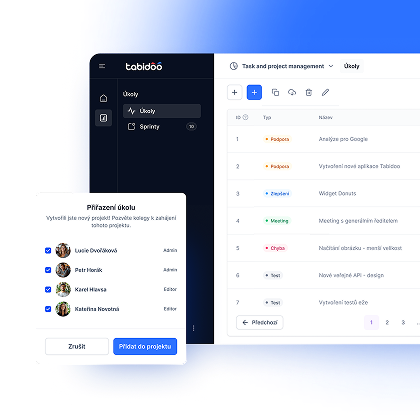
Set the Log level
Choose the System log level based on how detailed you want the overview to be. Adjust the settings to match what you need to track.
Set the number of records
Choose how many records you want to keep in the log. You’re in control of how many events are stored and can adjust the number as needed.
See what’s happening
The Tabidoo extension shows you a list of recorded system events. When you need to find out what happened in your app, you know exactly where to look.
When you need to look under the hood
Not everything that happens in your app needs your attention during everyday work. But when you need to check system events, the Tabidoo extension keeps them all in one place.
Less searching. More clarity on what’s happening.
When you need to know more,
just check the log
Book an appointment

Book an appointment
Online meeting
30 min

Igor Kollár
Sales representative
Online meeting
30 min

Barbora Školaudy
Sales representative
Online meeting
30 min