


14,000+ happy customers are already enjoying Tabidoo.
Snapshots
Need to create a snapshot of your Tabidoo app and its data? The Snapshots extension lets you create a snapshot that includes both app definition data and user data.
Your app. Your data. One moment in time. Capture your app exactly as it is right now.
Important: Before using the extension, please read the Snapshots documentation carefully. Incorrect use may result in data loss.
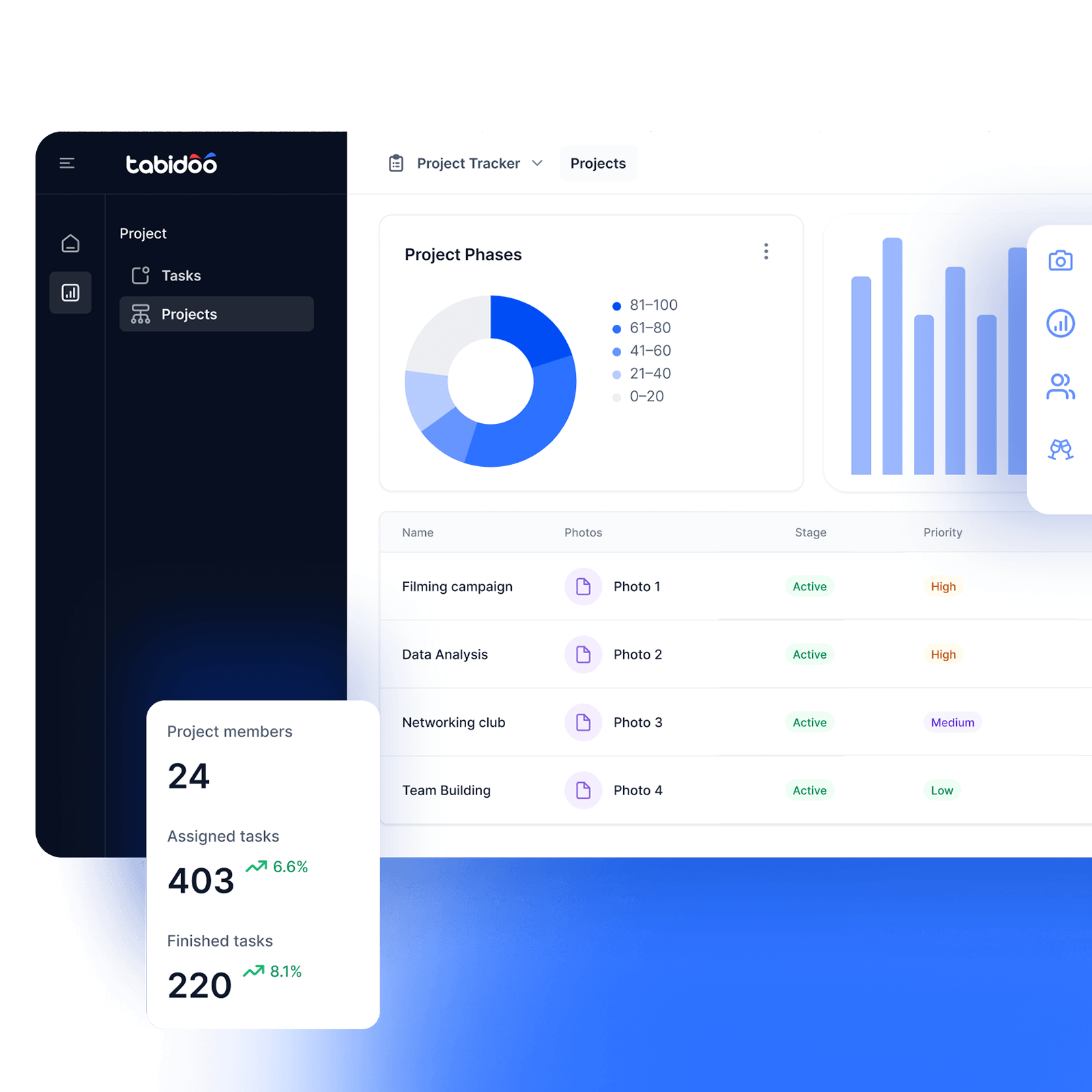

Snapshots
A Snapshot of your app and its data
A snapshot isn’t just a snapshot of your app’s structure. The extension lets you capture both the app’s definition data and the data you work with inside it.
- Definition Data
Create a snapshot of your app’s definition data. - User Data
The snapshot can also include your app’s user data. - App and Data Together
Capture the state of your app and its data in a single snapshot.
How it works?
- Add the Extension
- Read the documentation first
- Create a Snapshot
- Handle It with Care
Add the Extension
Add Snapshots to your Tabidoo app and get the ability to create snapshots of it. The extension works with both the state of the app and the data stored in it.
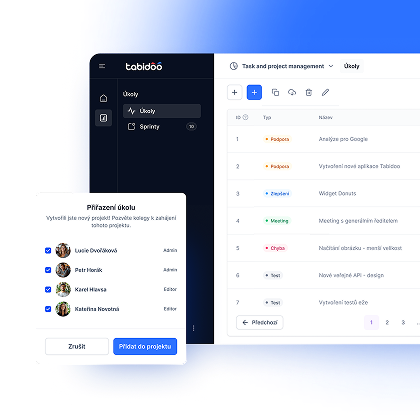
Read the documentation first
This is one step you really shouldn’t skip. Before using Snapshots for the first time, read the documentation carefully so you know how to use them correctly and what to watch out for. Working with snapshots can affect the data in your app.
Create a Snapshot
Create a snapshot of your app that can include both definition data and user data. This gives you a captured state of the app and its data at a specific moment in time.
Handle it with care
Snapshots work directly with your app and its data, so it’s important to follow the documentation. Incorrect use may result in data loss, so this is one of those cases where it pays to know exactly what you’re doing before you start clicking.
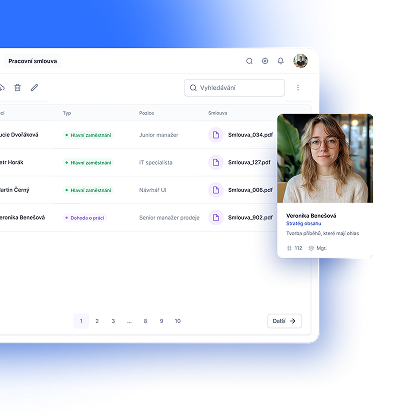
Before you click, read the documentation
With some extensions, you can just start experimenting. Here, we recommend reading first.
Snapshots work with both your app’s definition data and user data, and incorrect use may result in data loss. Before using the extension, make sure to follow the Snapshots documentation.
A few minutes with the documentation is a pretty good trade for keeping your data safe.
Snapshot? Yes. Clicking Blindly? Better Not.
Book an appointment

Book an appointment
Online meeting
30 min

Igor Kollár
Sales representative
Online meeting
30 min

Barbora Školaudy
Sales representative
Online meeting
30 min