


14,000+ happy customers are already enjoying Tabidoo.
Reports
You already have the data in Tabidoo. Now turn it into exactly the output your business needs. With the Reports extension, you’re not limited to predefined report templates. Create your own reports, customize their content, and use filters to display exactly the data you need.
Not a predefined report. Your report.
No commitment. Free. No pressure.
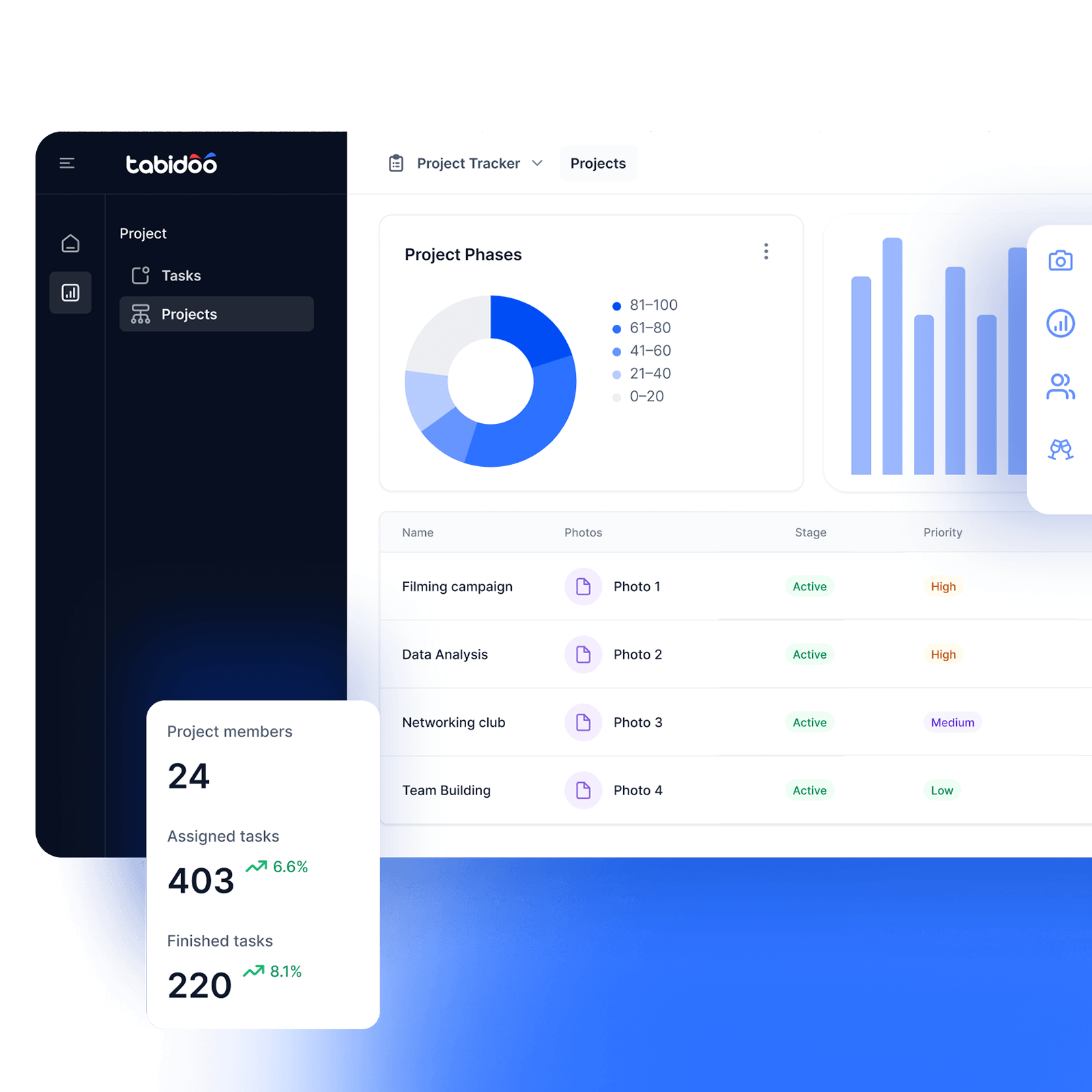

Reports
Your data. Your report. Exactly the way you want it.
Sales needs different outputs than finance. Management needs a different view than someone handling day-to-day operations. That’s why Tabidoo lets you create custom reports based on what you actually need to track and share.
You can use data from a specific schema, your own API, or a custom DataSource. Then, using the user data filter, you can choose exactly which data you want to display directly in the report.
What can you do with the extension?
- Connect your own API
Need data from another source? You can also use your own web API as the data source for your report. - Filter Data
Use the user data filter to select exactly which data you want to display directly in the report. - Work with schema data
Use data from a specific schema in your app as the data source for your report.
How do Reports work?
- Add the extension
- Choose your data source
- Create your report
- Filter as needed
Add the extension
Add Reports to your Tabidoo app and start creating custom outputs from the data you already have. You’re not limited to predefined reports – you can customize the report based on what you need to track, analyze, or share.
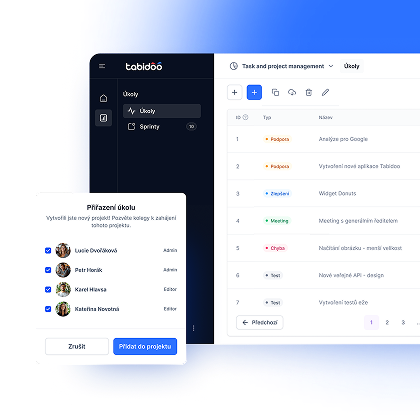
Choose your data source
Decide where your report should get its data from. You can use data from a specific schema, your own web API, or a custom DataSource that lets you work with data across multiple schemas. This allows you to choose the right source depending on how complex your report needs to be.
Create your report
Build a report from the selected data based on your specific needs. You decide which information should appear in the final output and what the report should look like. Thanks to the Stimulsoft engine, you’re not limited to a single universal format – you can tailor each report to its specific purpose.
Filter as needed
A report doesn’t have to show all your data every time. Using the user data filter, you can select exactly which information you want to display. This means you can use the same report for different views of your data without having to create a new one each time
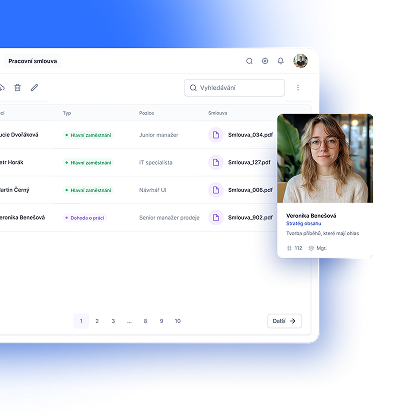
A report in your inbox every monday morning? Yes!
You don’t have to manually create and send a finished report every time. If you also add the Notifications and Scheduler extension to your app, you can choose which report Tabidoo should regularly send by email – and when.
Monday report? Monthly summary? Regular overview? Set it up once. Then let it send itself.
You choose when. Tabidoo delivers the report.
Reports your way, not the system’s
Book an appointment

Book an appointment
Online meeting
30 min

Igor Kollár
Sales representative
Online meeting
30 min

Barbora Školaudy
Sales representative
Online meeting
30 min