


14,000+ happy customers are already enjoying Tabidoo.
Link to documents
A guide. An important document. A video. Or a page your team uses every day. With the Link to Documents extension, you can access them directly from the header of your Tabidoo app.
No more: “Can you send me that link again?” Everything you need for work is right at your fingertips.
No commitment. Free. No pressure.
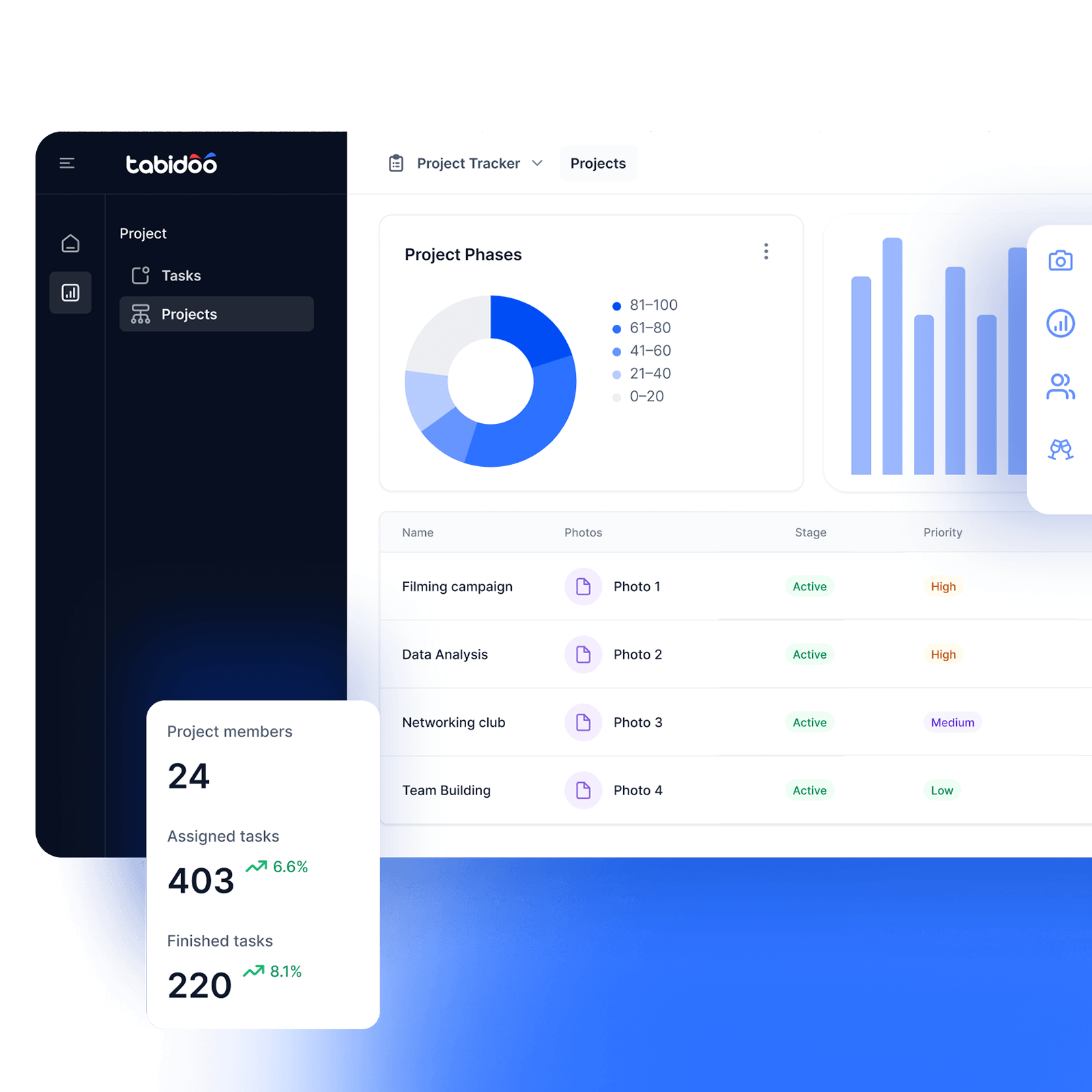

Link to documents
Documents where people actually need them
The user guide doesn’t have to be buried somewhere on a drive, and an important link doesn’t have to be lost in a three-month-old email. Link to Documents adds one place in your app header where users can quickly access the materials they need.
What can you add?
- Documents
Make important documents accessible directly from the app. - Videos
Add a tutorial, walkthrough, or explanatory video. - Web Links
Need to direct users to a specific page? Just add its URL. - User Guides
Give customers or colleagues instructions right where they use the app.
How does link to documents work?
- Add the extension
- Add the content you need
- Document, video or URL
- Everything within reach
Add the extension
Add Link to Documents to any Tabidoo app. A Documents link will automatically appear in the app header.
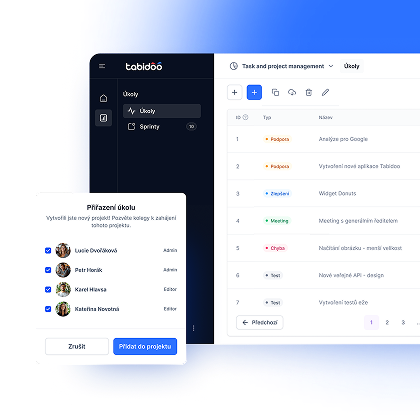
Add your content
Use the new Link to Documents schema to add the materials you want to make accessible from the app.
Document, video or URL
It doesn’t have to be a document. You can also add a video or a link to a web page.
Keep everything within reach
Users can access important materials directly from the app header.
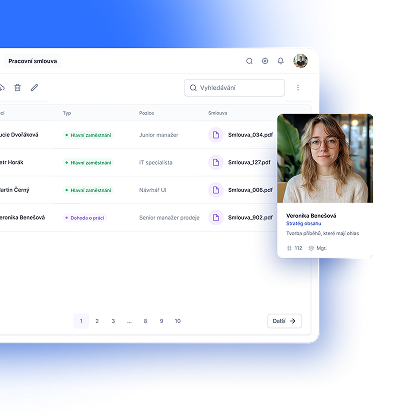
Everything important, just one click away
Documents, videos, and links can be accessed directly from the app they belong to. No searching through drives, messages, or bookmarks.
Open the app. Click. Find.
Less searching. More: “Yep, there it is.”
Book an appointment

Book an appointment
Online meeting
30 min

Igor Kollár
Sales representative
Online meeting
30 min

Barbora Školaudy
Sales representative
Online meeting
30 min